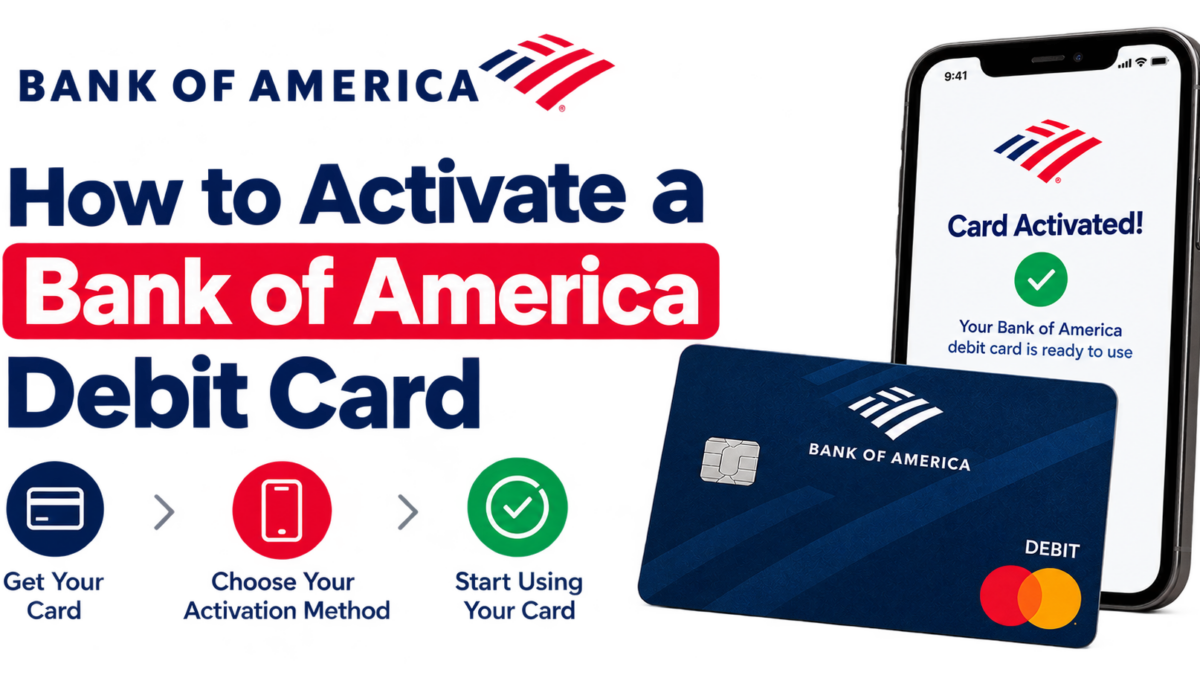
To activate a Bank of America debit card, call 888-624-2323, use the card with your PIN at any Bank of America ATM, make a PIN purchase, or sign in to Online Banking or the Mobile Banking app. Any of those works, and most take under two minutes. This guide shows how to activate a Bank of America debit card each way, plus what to do if you don’t know your PIN.
The ATM route is my favorite for a replacement card, because it activates the card and confirms your PIN works in one stop.
Key Takeaways
- Four ways to activate: phone (888-624-2323), a Bank of America ATM, a PIN purchase, or Online and Mobile Banking.
- Replacement cards usually keep your current PIN, so you can activate at an ATM right away.
- Forgot your PIN? Visit a financial center or call 800-432-1000 to get a PIN reminder by mail.
- No card yet? Eligible Mobile Banking users can use a digital card for debit before the plastic arrives.
- Update autopays if your card number changed, and destroy the old card.
What You Need Before You Start
- The new card, with the sticker or mailer it came with.
- Your PIN. A replacement card normally works with your existing PIN. A brand-new account’s PIN is the one you set when you opened it.
- Your Online Banking ID and passcode if you plan to use the app or website.
- Your phone, since Bank of America may text a one-time code to confirm it’s you.
Sign the back of the card as soon as you take it out of the envelope. It’s an easy step to forget, and some merchants still check.
4 Ways to Activate Your Bank of America Debit Card
1. Activate by phone
Call 888-624-2323 and follow the automated prompts. You’ll enter the card number and verify your identity. If you’re outside the U.S., Bank of America says to call collect at 925-675-6195. Use this method if your new card arrived while you’re traveling.
2. Activate at a Bank of America ATM
Insert the new card (or tap it, if the ATM supports contactless) and enter your PIN. Then do anything simple, like checking your balance. That transaction activates the card. It also proves your PIN works before you’re standing at a checkout line.
3. Activate with a PIN purchase
Buy something small at a store, choose debit, and enter your current PIN on the keypad. A pack of gum at a gas station counts. The PIN is the key part here. Signing or tapping without a PIN may not activate the card, so pick the PIN option.
4. Activate in Online Banking or the Mobile Banking app
Sign in to bankofamerica.com or the Bank of America Mobile Banking app (free on the App Store and Google Play). A new card waiting for activation usually shows up as a prompt on your account. If you don’t see one, check the debit card management settings for your checking account and follow the steps there. App menus get rearranged from time to time, so the labels may differ a little from what you saw last year.
Which method should you use?
| Method | What you need | Best for |
|---|---|---|
| Phone | Card number, identity details | Travelers and anyone not near a branch |
| Bank of America ATM | Card and current PIN | Replacement cards, testing your PIN |
| PIN purchase | Card and current PIN | Quick activation while running errands |
| Online or Mobile Banking | Online ID and passcode | People who already bank in the app |
Don’t Know Your PIN? Here’s How to Get It
This is where most activation problems come from. Replacement cards are built to work with the PIN you already use, so try that first. If it’s truly forgotten, you have two options:
- Visit a Bank of America financial center with your ID. A teller can help you set a new PIN.
- Call 800-432-1000 and Bank of America will mail you a PIN reminder. Phone hours are Monday through Friday, 7 a.m. to 10 p.m., and weekends 8 a.m. to 5 p.m. (local time).
If you know your PIN but want a new one, insert your card at any Bank of America ATM, choose More Options, then Change PIN. Pick four digits that aren’t your birthday, your address, or 1234.
Tip from experience: Too many wrong PIN tries at an ATM can temporarily block the card. If the first two attempts fail, stop and call instead of guessing again.
Use a Digital Card for Debit While You Wait
Lost your card and need money today? Bank of America offers a digital card for debit in the Mobile Banking app. Once it’s set up, you can shop online, add it to a digital wallet like Apple Pay or Google Pay to pay in stores, or get cash at a Bank of America ATM using your phone.
There are limits. You need to be enrolled in Mobile Banking, you must already have a physical debit card or have ordered a replacement, and Bank of America notes that not every customer is eligible. Some transaction types aren’t supported, either. Still, it’s a real lifesaver when your wallet goes missing on a Friday night.
Bank of America Replacement Debit Card: What Changes
Replacement cards activate the same way as new ones. What you do afterward depends on why you got the new card.
- Expired card: The number usually stays the same, and only the expiration date and security code change. Many merchants get the new details automatically, but check your streaming services and gym membership anyway.
- Lost or stolen card: You’ll get a new number. Update every autopay, saved card on Amazon or PayPal, and digital wallet. Then change your PIN, which Bank of America specifically recommends after a card is lost or stolen.
- Damaged card: Usually the same number. Activate the new one, then cut through the chip and number on the old one before you toss it.
Report a lost or stolen card right away through Online Banking, the Mobile Banking app, or by phone. Under federal rules (Regulation E), how quickly you report a lost debit card can affect how much of a fraudulent charge you’re responsible for, so don’t wait until Monday.
Why Your Bank of America Debit Card Won’t Activate
- Your PIN is wrong. Try the PIN from your previous card. If that fails, request a reminder instead of guessing.
- You tapped or signed instead of entering a PIN. Redo the purchase as a PIN debit transaction, or use an ATM.
- You used a non-Bank of America ATM. Stick to a Bank of America ATM for activation. It’s also free, while other ATMs may charge you.
- Your old card was already canceled. If you reported the old card lost, only the new card will work.
- The card is locked. If you temporarily locked your card in the app, turn it back on and try again.
Still stuck? Call the number on the back of the card or 800-432-1000, or walk into any financial center. Bank of America’s debit card help line listed on its FAQ page is 844-375-7028.
Set These Up Right After You Activate
- Account alerts. Turn on alerts for debit card purchases and low balances in the app. A debit card spends your own money, so you want to know about every charge.
- Card lock. Find the temporary lock option for your card now, so you can switch it off in seconds if the card goes missing.
- Digital wallet. Add the card to Apple Pay, Google Pay, or Samsung Pay so you don’t have to carry the plastic everywhere.
- Overdraft settings. Review how your account handles debit purchases that would overdraw it.
Watch Out for Activation Scams
Bank of America won’t call or text asking for your full PIN, your Online Banking passcode, or a one-time code you just received. Scammers often pose as the bank’s fraud department and claim your new card needs “verifying.” Hang up and call the number on the back of your card instead.
Also avoid unofficial “activate your card” websites that show up in search results. Type bankofamerica.com yourself or use the official app. If you get a suspicious message, you can report it to the Federal Trade Commission at ReportFraud.ftc.gov.
Activate Your Card Today
If you know your PIN, the fastest move is to stop at a Bank of America ATM and check your balance. If you’re home, call 888-624-2323 or open the Mobile Banking app. Once it’s active, sign the card, update any autopays if the number changed, turn on purchase alerts, and destroy your old card.
Related: How to Activate a Capital One Credit Card
Frequently Asked Questions
How do I activate my Bank of America debit card?
You can activate it four ways: call 888-624-2323, use the card with your PIN at any Bank of America ATM, make a purchase using your PIN, or sign in to Online Banking or the Mobile Banking app. Replacement cards generally work with your current PIN, so the ATM is often the quickest option.
Can I activate a Bank of America debit card at an ATM?
Yes. Insert or tap your new card at any Bank of America ATM, enter your current PIN, and complete a simple transaction like a balance inquiry. That activates the card and confirms your PIN works. Use a Bank of America ATM rather than another bank’s machine, which may charge a fee and isn’t the method the bank lists.
What if I don’t know my Bank of America debit card PIN?
First try the PIN from your previous card, since replacement cards usually keep it. If you’ve forgotten it, visit a Bank of America financial center with your ID to set a new one, or call 800-432-1000 to have a PIN reminder mailed to you. Avoid repeated guesses, which can block the card temporarily.
Can I use my Bank of America debit card before it arrives?
Often, yes. Eligible Mobile Banking customers can get a digital card for debit, which works for online purchases, in stores through a digital wallet like Apple Pay or Google Pay, and for cash at Bank of America ATMs. You must already have a physical card or have ordered a replacement, and not all customers qualify.
Does my old Bank of America debit card stop working when I activate the new one?
Plan on it. If your old card was reported lost or stolen, it’s canceled right away. For expiring or damaged cards, treat the new card as the only one you’ll use once it’s active. Cut through the old card’s chip and number before throwing it away, and update any autopays if your card number changed.