The fastest way to check Walmart gift card balance is online at walmart.com/giftcards, where you enter the 16-digit card number and 4-digit PIN. You can also call 1-888-537-5503, add the card to the Walmart app, or ask any cashier to scan it. All four methods are free and take about a minute.
Below, I’ll walk through each one, explain which works best in which situation, and cover what to do when the balance comes back wrong or shows $0.
Key Takeaways
- You need the 16-digit card number and the 4-digit PIN under the scratch-off strip for online, phone, and app checks.
- The automated phone line (1-888-537-5503) works 24/7 and doesn’t require internet.
- A cashier can scan your card in store without the PIN, which helps if the strip is damaged.
- Walmart Visa gift cards are different. Check those at walmartgift.com, not Walmart.com.
- Walmart gift cards don’t expire and don’t charge inactivity fees.
What You Need Before You Check
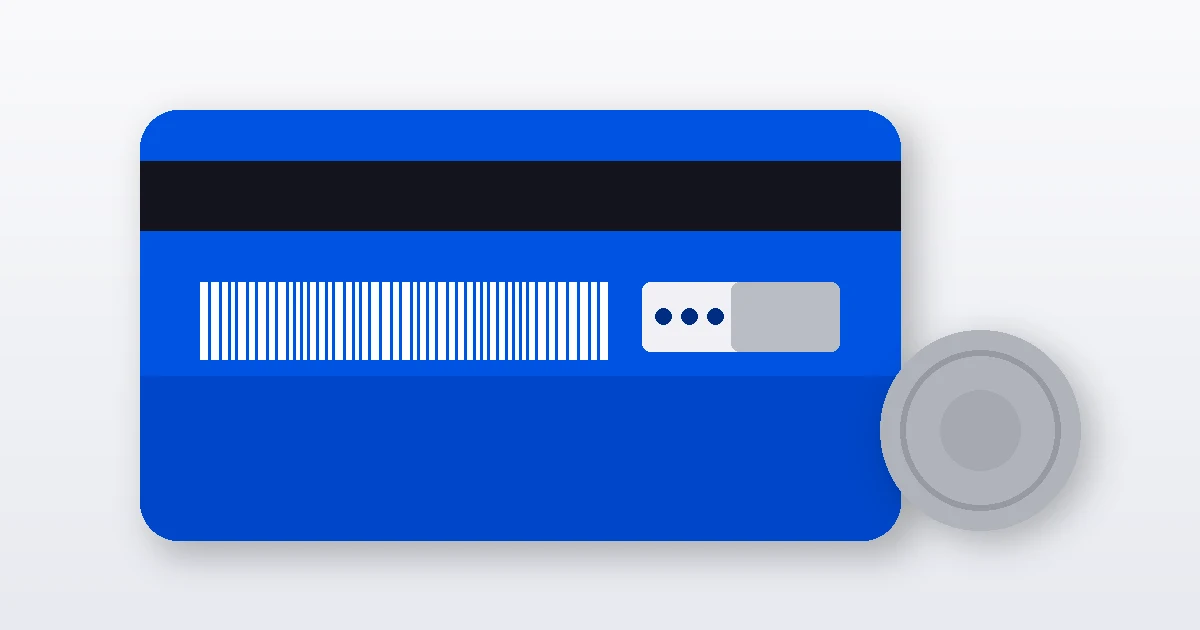
Flip the card over. You’ll see a 16-digit card number printed on the back, usually near the barcode, and a silver strip that hides a 4-digit PIN. Scratch it gently with a coin edge, not a key. Keys gouge the numbers, and a missing digit is the single most common reason people get stuck.
Got an eGift card by email instead? Same deal. The email contains both the card number and the PIN, and every method below works the same way.
How to Check Walmart Gift Card Balance Online
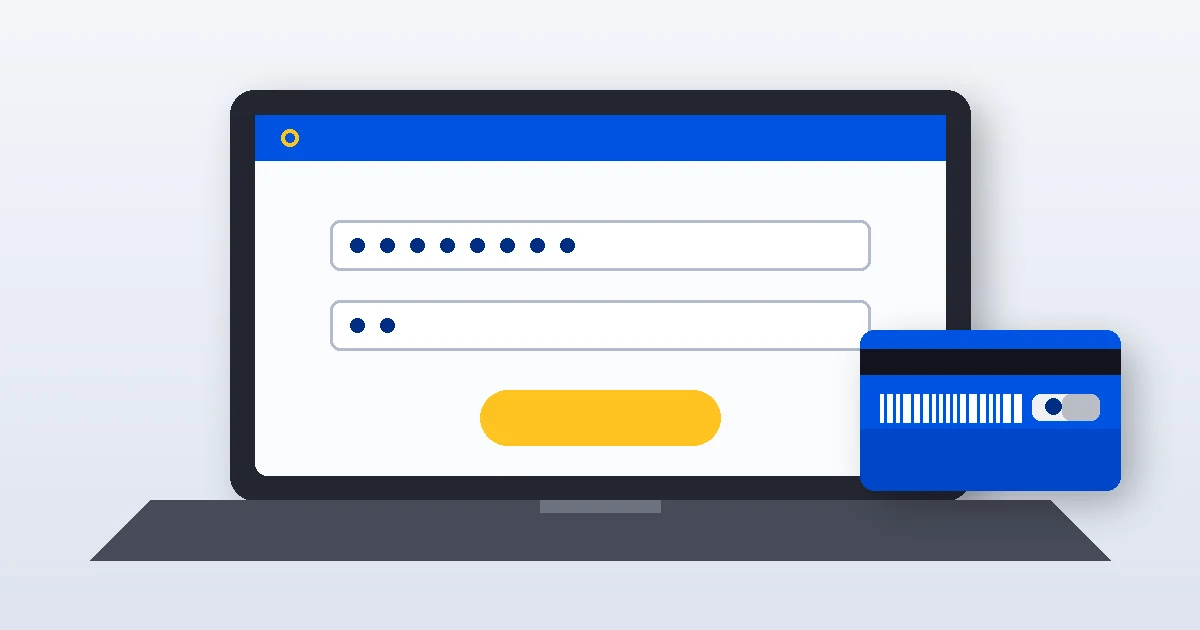
This is my go-to method because it shows the exact dollar amount on screen and you don’t have to sign in.
- Go to walmart.com/giftcards on any browser.
- Click Check balance.
- Type in the 16-digit card number and the 4-digit PIN.
- Complete the security check if one pops up, then submit.
Your remaining balance appears right away. One tip: type the number in groups of four while looking at the card. It’s easy to swap two digits when you’re reading 16 in a row, and the error message won’t tell you which one is wrong.
Walmart Gift Card Balance Phone Number
No internet? Call 1-888-537-5503, Walmart’s automated gift card line. It’s free and runs around the clock, so you can check at 11 p.m. on a Sunday if you want.
- Choose the gift card balance option from the menu.
- Enter the 16-digit card number using your keypad.
- Enter the 4-digit PIN.
- Listen for your balance (jot it down, since it’s read only once before the menu repeats).
The same number is printed on the back of most Walmart gift cards, which is a handy way to confirm you’re calling the real line and not a lookalike number from a random website.
Check Your Balance in the Walmart App
If you shop at Walmart regularly, adding the card to the app is worth the two minutes it takes. You’ll see the balance every time you open your wallet, and you can apply it at checkout without digging the card out of a drawer.
- Open the Walmart app and sign in to your Walmart account.
- Go to the Account tab, then Wallet.
- Select Gift cards and tap the option to add a card.
- Enter the card number and PIN.
Once it’s saved, the balance updates as you spend. This is also the smartest way to handle several small cards from birthdays and holidays, since they all sit in one list instead of scattered across your purse.
How to Check Walmart Gift Card Balance in Store

Check at the Register or Customer Service Desk
Any cashier or the Customer Service desk can scan your card and tell you the balance. You don’t have to buy anything. Self-checkout kiosks will also show the balance once you scan the card as payment, though you may need to cancel the transaction afterward if you were only checking.
This is the method to use when the PIN strip is damaged or unreadable, because the associate scans the barcode instead of asking for the PIN. Bring your receipt if you have it, just in case they need to look anything up.
Which Method Should You Use?
| Method | What You Need | Time | Best For |
|---|---|---|---|
| Walmart.com | Card number + PIN | About 1 minute | Quick check at home |
| Phone (1-888-537-5503) | Card number + PIN | 2 to 3 minutes | No internet access |
| Walmart app | Walmart account + card details | 2 minutes once | Frequent shoppers, multiple cards |
| In store | The physical card | Under 1 minute | Damaged PIN or checking right before you shop |
Checking a Walmart Visa Gift Card Balance
Here’s where a lot of people get tripped up. A Walmart Visa gift card is a prepaid card issued by a bank and runs on the Visa network, so you can spend it almost anywhere. It’s a different product from a regular Walmart gift card, and Walmart.com’s balance tool won’t recognize it.
To check a Walmart Visa gift card balance, go to walmartgift.com or call the toll-free number printed on the back of the card. You’ll usually need the card number, expiration date, and the 3-digit security code. Unlike store gift cards, prepaid Visa cards do have an expiration date on the front, so check it.
Why Your Balance Might Look Wrong (and How to Fix It)
“Invalid card number or PIN”
Nine times out of ten, it’s a typo or a misread digit. A scratched “8” can look like a “3,” and a “1” can look like a “7.” Try again slowly, or have a cashier scan it.
The balance shows $0
A zero balance on a brand-new card usually means it wasn’t activated at purchase, or someone tampered with it before it was sold. Call 1-888-537-5503 and ask for a representative, and have the purchase receipt ready. The receipt proves activation and lets Walmart trace the card’s history.
The balance is lower than you expected
Think back to any recent online orders. If you paid with the card on Walmart.com or the app, that amount comes off the balance even if the package hasn’t arrived yet. If you can’t account for the charges, call the gift card line and ask them to review the transaction history.
Protect Your Card From Gift Card Scams
Gift cards are a favorite tool for scammers because they work like cash and are hard to trace. The Federal Trade Commission warns that no real government agency, utility, or business will ever demand payment in gift cards. If someone on the phone asks you to buy Walmart cards and read them the numbers, hang up. It’s a scam every time.
A few habits that keep your money safe:
- Inspect the packaging before you buy. If the PIN strip looks scratched or the back looks peeled, pick a different card.
- Keep your receipt until the card is fully spent.
- Snap a photo of the back of the card so you have the number if the card gets lost.
- Only enter your card details on walmart.com or in the official Walmart app. Third-party “balance checker” sites can harvest your number and PIN.
Do Walmart Gift Cards Expire?
No. According to Walmart’s gift card terms, standard Walmart gift cards have no expiration date and no service or inactivity fees. That’s more generous than federal law, since the Credit CARD Act of 2009 only guarantees gift card funds for at least five years from the date of purchase (the Consumer Financial Protection Bureau explains these rules).
Some states go further. In California, for example, state law lets you request cash back for a remaining gift card balance under $10. If you live elsewhere, check your state’s consumer protection office for the rules where you are.
Frequently Asked Questions
Can I check my Walmart gift card balance without the PIN?
Not online, by phone, or in the app. All three ask for the 4-digit PIN along with the 16-digit card number. The workaround is checking in person, where a cashier or Customer Service associate scans the physical card. If the PIN is scratched off or unreadable, bring the card and your receipt to any Walmart store.
What is the Walmart gift card balance phone number?
Call 1-888-537-5503 to reach Walmart’s automated gift card line. Enter your 16-digit card number and 4-digit PIN with the keypad, and the system reads back your remaining balance. It’s free and works around the clock. The same number is printed on the back of most Walmart gift cards, so you can confirm it there.
Do Walmart gift cards expire?
No. Walmart gift cards don’t expire and don’t charge inactivity or service fees, according to Walmart’s gift card terms. That beats the federal minimum under the Credit CARD Act of 2009, which only requires gift card funds to last at least five years. A $25 card from three Christmases ago should still work fine.
Why does my Walmart gift card show a $0 balance?
A $0 balance usually means one of three things: the card wasn’t activated at purchase, it was already spent, or someone copied the number off the rack and drained it. Call 1-888-537-5503 with your receipt in hand. Walmart can look up the activation record and the card’s transaction history to sort it out.
Can I check a Walmart Visa gift card balance on Walmart.com?
No. A Walmart Visa gift card is a bank-issued prepaid card on the Visa network, not a Walmart store card. Check its balance at walmartgift.com or by calling the toll-free number on the back of the card. Walmart.com’s balance tool only works for standard Walmart gift cards and Walmart eGift cards.
Can I use a Walmart gift card at Sam’s Club?
Yes. Walmart gift cards are accepted at Sam’s Club locations and on SamsClub.com, in addition to Walmart stores and Walmart.com. Keep in mind that most Sam’s Club purchases still require a membership, so the gift card pays for your items but doesn’t replace the membership card you show at the door.