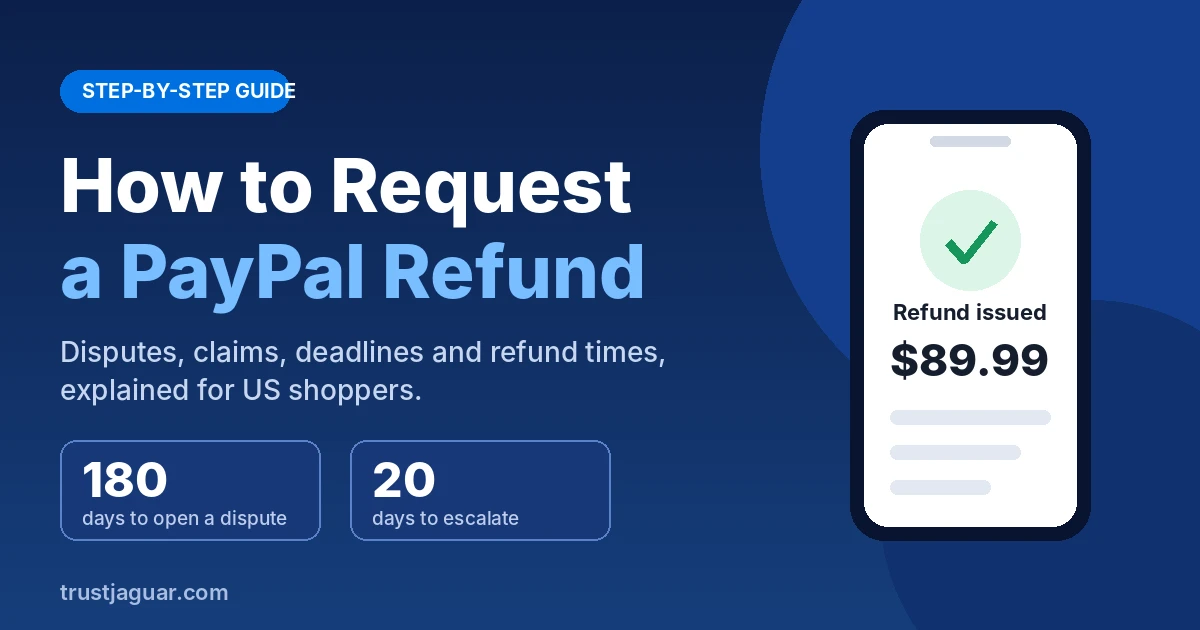
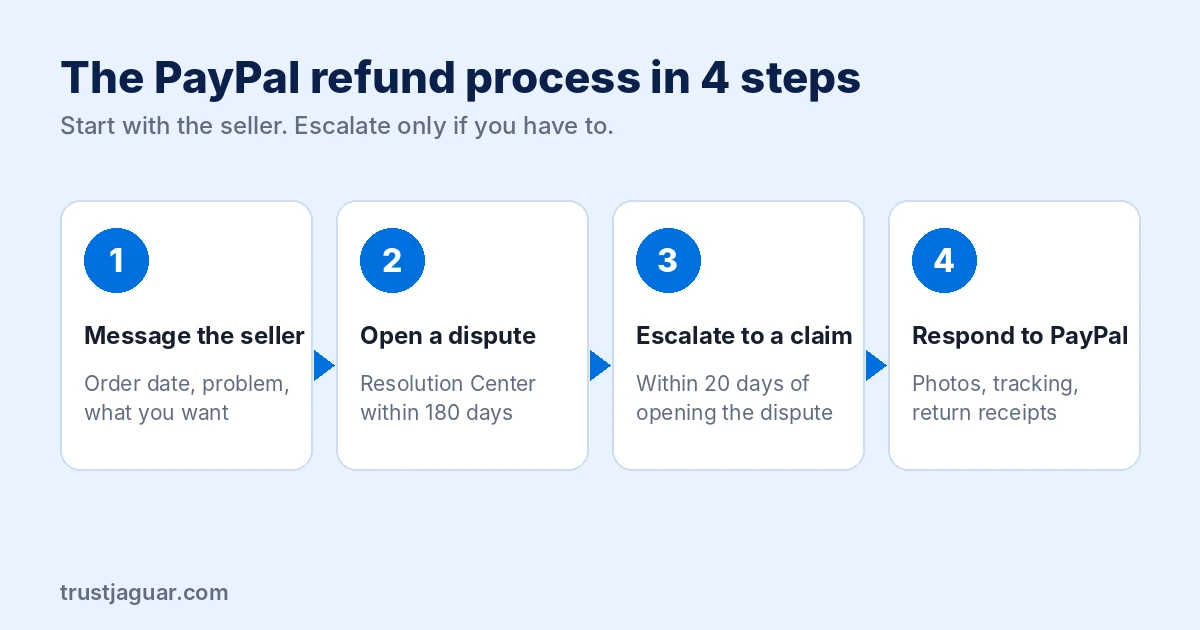
If you want to know how to request a PayPal refund, here’s the short version: message the seller first, and if that doesn’t work, open a dispute in PayPal’s Resolution Center within 180 days of your payment. If the seller still won’t fix it, escalate the dispute to a claim within 20 days so PayPal steps in and decides.
That’s the whole process in two sentences. The details below will help you avoid the deadlines and small mistakes that cost people their money every day.
Key Takeaways
- Always ask the seller for a refund first. Many cases end there.
- You have 180 days from the payment date to open a PayPal dispute.
- Escalate an unresolved dispute to a claim within 20 days, or PayPal closes it.
- Payments sent as “Friends and Family” are not covered by PayPal Buyer Protection.
- Refunds to your PayPal balance are usually fast. Card refunds can take longer.
Can You Get Your Money Back on PayPal?
Usually, yes, as long as you paid for goods or services and the problem fits PayPal’s rules. PayPal Buyer Protection covers two main situations: the item never arrived, or what arrived was significantly different from the description. Think a “new” phone that shows up refurbished, or a jacket listed as leather that’s clearly vinyl.
Buyer’s remorse isn’t covered. If you simply changed your mind, you’re relying on the seller’s own return policy, not PayPal. The same goes for most real estate, vehicles, and money you sent to a friend.
| Situation | Covered by PayPal? | Best route |
|---|---|---|
| Item never arrived | Yes | Dispute, then claim |
| Item significantly not as described | Yes | Dispute, then claim |
| Changed your mind | No | Seller’s return policy |
| Paid via Friends and Family | No | Ask the person directly |
| Payment you didn’t make | Yes (unauthorized) | Report to PayPal right away |
How to Request a PayPal Refund in 4 Steps
Step 1: Contact the Seller First
Find the transaction in your PayPal activity and use the seller’s contact details listed there. Keep the message short: what you ordered, the order date, the problem, and what you want (a full refund, a replacement, or a return label).
Give them two or three business days to answer. Honest sellers fix most issues quickly, and the seller can issue a refund to you directly for up to 180 days after the payment. A written message also creates a paper trail if you need PayPal later.
Step 2: Open a PayPal Dispute
No reply, or a reply that goes nowhere? Open a dispute. Here’s how on the website or the PayPal app:
- Log in and go to the Resolution Center (paypal.com/disputes).
- Click Report a Problem and select the transaction.
- Choose the reason: item not received, or item significantly not as described.
- Explain the issue in a few clear sentences and attach any proof you have.
Opening a dispute puts a hold on the payment in the seller’s account. That alone gets many unresponsive sellers to start talking.
Step 3: Escalate the Dispute to a Claim
A dispute is just a conversation between you and the seller. If it isn’t settled, you need to escalate it to a claim, which asks PayPal to review the case and make a decision. You must do this within 20 days of opening the dispute. Miss that window and PayPal closes the case automatically, and you can’t reopen it.
One tip from experience: set a phone reminder for day 15. Sellers sometimes stall with promises like “I’ll ship it tomorrow” until the 20 days run out. Don’t let them.
Step 4: Respond Quickly to PayPal’s Requests
Once your claim is open, PayPal may ask you for more information, such as photos, tracking details, or a return. Answer fast. If PayPal asks you to ship an item back, use a trackable method like USPS Priority Mail or UPS and keep the receipt until the case is closed.
PayPal Dispute Deadlines at a Glance
| Action | Deadline |
|---|---|
| Open a dispute | Within 180 days of payment |
| Escalate dispute to a claim | Within 20 days of opening the dispute |
| Item not received cases | PayPal generally wants at least 7 days to pass after payment before escalating |
| Seller-issued refund | Up to 180 days after payment |
How Long Does a PayPal Refund Take?
It depends on how you paid. If the money came from your PayPal balance, a refund usually shows up there almost immediately once it’s issued. Refunds to a debit or credit card follow your card issuer’s timeline, which can take several business days and, according to PayPal, up to 30 days in some cases.
Bank account refunds tend to land in a few business days. If you were charged in another currency, the amount you get back can differ slightly because of exchange rate changes.
What If Someone Used Your PayPal Without Permission?
That’s a different problem from a bad purchase, and speed matters. Report the unauthorized transaction in the Resolution Center right away, then change your password and turn on two-step verification. Under federal rules covering electronic transfers (Regulation E), how quickly you report can affect how much you’re protected, so don’t wait for your next statement. The Consumer Financial Protection Bureau explains your rights in plain English.
Mistakes That Get PayPal Claims Denied
- Paying with Friends and Family for a purchase. Scammers on Facebook Marketplace and Craigslist ask for this because it skips Buyer Protection. Always choose “Goods and Services.”
- Waiting too long. The 180-day and 20-day deadlines are firm.
- Weak evidence. Take photos of the item, the label, and the packaging before you throw anything away.
- Filing a chargeback at the same time. If you dispute the charge with your card issuer, PayPal typically steps back and lets the bank handle it. Pick one route.
- Agreeing to an offer too quickly. If you accept a partial refund in the dispute, you usually can’t ask for the rest later.
PayPal Denied Your Claim. Now What?
You still have options. You can appeal the decision through PayPal if you have new information, like a tracking update or a written statement from the shipping carrier. If you paid with a credit card, you may also be able to dispute the charge with your card issuer under the Fair Credit Billing Act. Card issuers have their own deadlines, so call the number on the back of your card soon.
For a seller who’s clearly running a scam, file a complaint with the Federal Trade Commission. Your state attorney general’s office (for example, the California Department of Justice) also takes consumer complaints, and the process varies by state.
Related: How to Check Credit Card Balance Online
Frequently Asked Questions
Can I get a refund on PayPal if I sent money to the wrong person?
Start by asking the recipient to send it back. If they won’t, contact PayPal, but know that money sent to the wrong email or phone number is hard to recover, especially through Friends and Family. If the payment is still marked “unclaimed,” you can cancel it yourself from your activity page.
How many days do I have to request a PayPal refund?
You have 180 days from the payment date to open a dispute in PayPal’s Resolution Center. After opening it, you have 20 days to escalate it to a claim if the seller doesn’t resolve the issue. Missing either deadline usually means PayPal closes the case and you lose Buyer Protection for that purchase.
Does PayPal refund Friends and Family payments?
Generally, no. Friends and Family payments are meant for people you know and trust, so they aren’t covered by PayPal Buyer Protection. That’s why scammers push buyers to use this option. For any purchase from a business or stranger, always choose Goods and Services so you can open a dispute if something goes wrong.
How long does PayPal take to decide a claim?
There’s no fixed timeline, but many claims are resolved within a few weeks once escalated. PayPal may ask both you and the seller for documents, which can extend the process. Responding quickly to every request, uploading clear photos, and providing tracking numbers are the best ways to keep your case moving.
Can a seller refuse a PayPal refund?
A seller can refuse to refund you directly, but they can’t block a dispute or claim. If you escalate within 20 days and your case qualifies for Buyer Protection, PayPal makes the final decision. If PayPal rules in your favor, it can return the money to you even if the seller disagrees.
Your Next Step
Open your PayPal activity right now and find the transaction. If you haven’t contacted the seller, send that short message today and set a reminder for three days out. If you already have, open the dispute, gather your photos and tracking info, and mark day 15 on your calendar so you escalate in time. Handle those deadlines and you’ll get your money back in most valid cases.