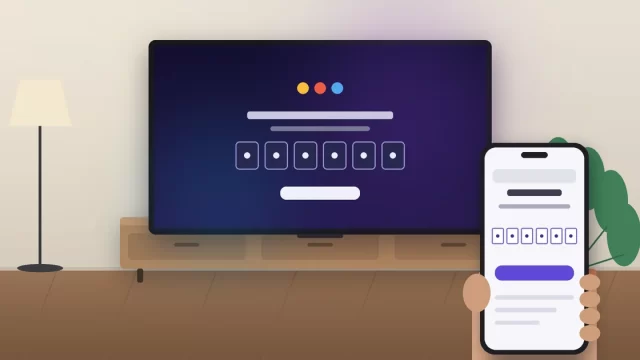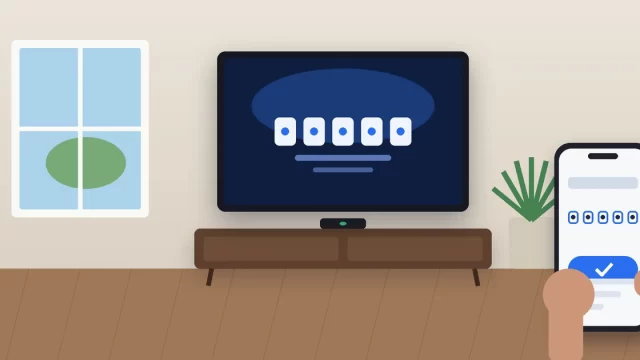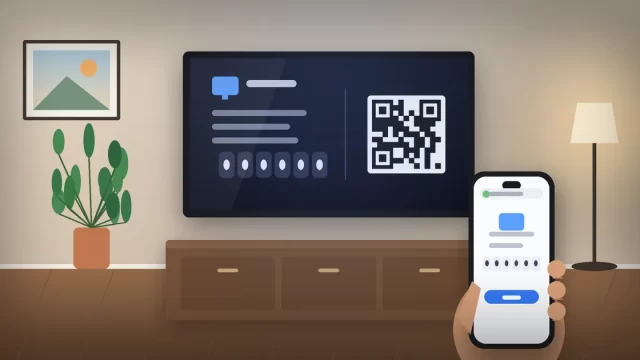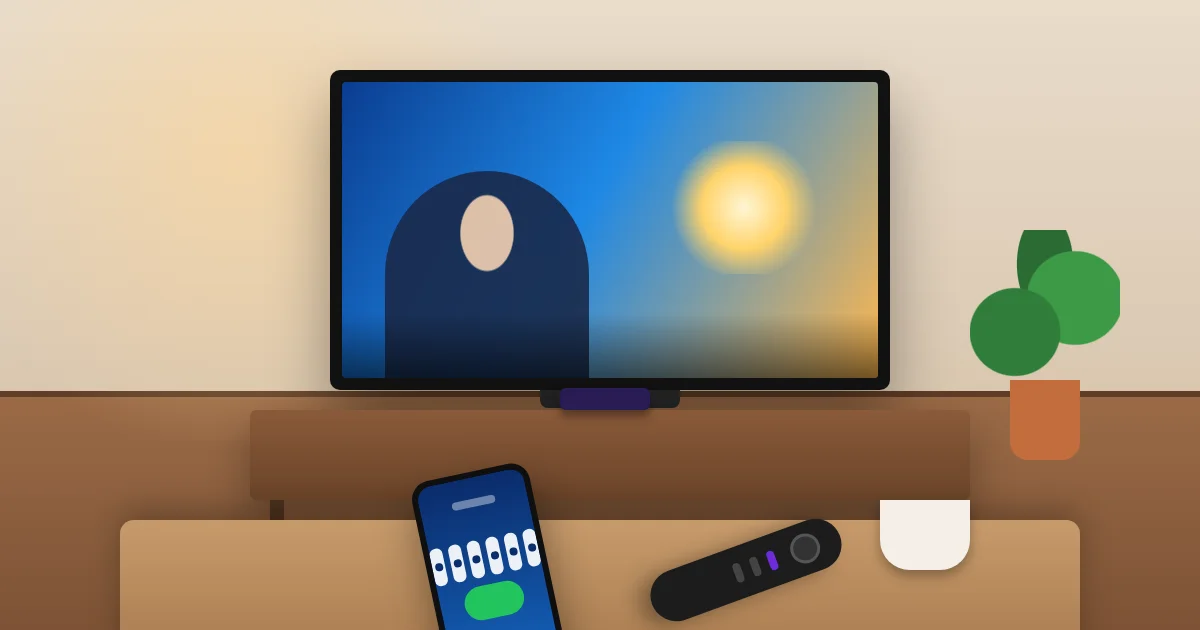
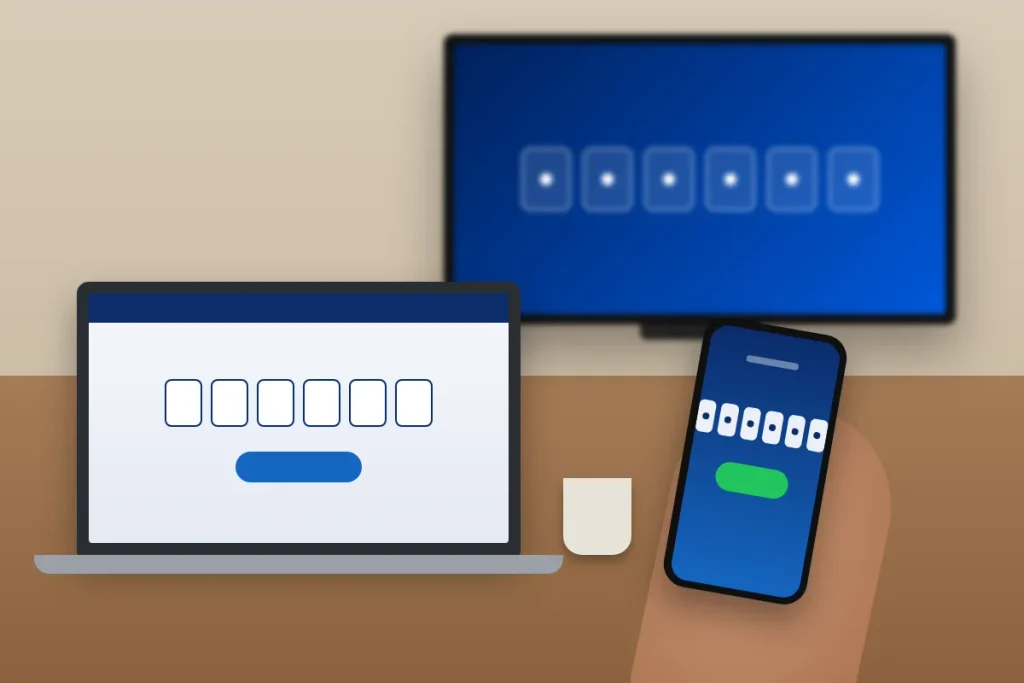
To activate 9Now on a TV, open the 9Now app on your Roku, Firestick or smart TV, pick any show to get a 6-digit code, then go to 9now.com.au/activate on your phone or computer, sign in to your free Nine account and enter the code. Your TV logs in within about 30 seconds.
There’s one catch American readers need to hear upfront. 9Now is Australia’s Nine Network streaming service, and it only works inside Australia. If you’re an American living in Sydney, visiting family in Melbourne, or an Aussie expat back home in Texas, this guide tells you exactly what will and won’t work.
Key Takeaways
- 9Now is free, but you need a Nine account and a 6-digit activation code to log in on a TV.
- Enter the code at 9now.com.au/activate or through “Connect Your TV” in the 9Now phone app.
- The app is in the Australian Roku, Fire TV and smart TV app stores, not the US ones.
- 9Now streams only from Australian internet connections, so it won’t play from the United States.
- Most activation failures come from an expired code, a wrong account, or the TV’s region setting.
What You Need Before You Activate 9Now
Get these four things ready first. It takes two minutes and saves you from the most common dead ends.
- A free Nine account. Sign up at 9now.com.au with your email. Nine sends a verification email, so confirm it before you start.
- A supported device. Roku players and Roku TVs, Amazon Fire TV and Fire TV Stick, Apple TV, Chromecast with Google TV, and selected Samsung, LG, Hisense and Android TV models.
- A second screen. A phone, tablet or laptop to enter the code. Don’t try to do it in the TV’s own web browser.
- An internet connection in Australia. This is the part people skip. The app checks your location every time it plays something.
How 9Now Activation Works (The Short Version)
Every TV app for 9Now follows the same pattern, no matter the brand. The TV shows a code, and you link that code to your Nine account on another device. Here’s the full flow:
- Open the 9Now app on your TV.
- Select any show, episode or live channel (or choose the log-in option if the app shows one).
- A 6-digit activation code appears on the screen. Leave it there.
- On your phone or computer, go to 9now.com.au/activate.
- Sign in to your Nine account, or create one.
- Type the 6-digit code and select Continue.
- Wait up to 30 seconds. The TV refreshes and starts playing.
Prefer your phone? Open the 9Now mobile app, tap the menu icon (the three lines), choose Connect Your TV, and type the code there. It’s the same result, and honestly it’s faster because you’re probably already signed in on your phone.
How to Activate 9Now on Roku
9Now has an official Roku channel in Australia. It’s been there since Roku-powered TVs started selling in Australian stores, with TCL launching its first Roku TV models there in late 2022 with 9Now ready to install.
Steps for 9Now on Roku
- Press Home on your Roku remote.
- Scroll to Search (or the Streaming Store) and type “9Now.”
- Select the app and choose Add app.
- Open 9Now and pick something to watch. Your 6-digit code appears.
- Enter the code at 9now.com.au/activate and select Continue.
Here’s the detail that trips up Americans. Roku shows apps based on the country tied to your Roku account, not where the box is sitting. If you bought your Roku in the US and set it up with a US account, 9Now won’t show up in search, even if you’re plugged in at a rental in Brisbane. Roku’s own support team has said that app availability depends on the region and on each channel provider’s decision.
The fix for someone who has actually moved to Australia is to factory reset the Roku and set it up with a Roku account created in Australia. That also brings in Australian apps like 7plus and Stan. It’s a hassle for a two-week trip, so on a short visit I’d skip Roku and cast from your phone instead (more on that below).
How to Activate 9Now on Firestick
Amazon Fire TV devices are on 9Now’s official list of supported streaming devices, including the Fire TV Stick and Fire TV smart TVs.
Steps for 9Now on Fire TV Stick
- From the Fire TV home screen, select Find and then Search.
- Type “9Now” and select the app.
- Choose Get or Download.
- Open 9Now, pick a show or live channel, and note the 6-digit code.
- Enter the code at 9now.com.au/activate on another device.
The Firestick has the same regional wrinkle as Roku. The Amazon Appstore follows the country set on your Amazon account, so a US Amazon account won’t list 9Now. If you’ve relocated to Australia for work or school, you can update your country in Amazon’s Manage Your Content and Devices settings, though Amazon limits how often you can switch.
A practical tip: if the Firestick is plugged into a hotel TV, use the USB power adapter that came in the box rather than the TV’s USB port. Underpowered sticks reboot mid-activation, and the code you just entered becomes useless.
How to Activate 9Now on a Smart TV
Most smart TVs sold in Australia can install 9Now directly. The steps depend on the TV’s operating system, but activation always ends at the same 6-digit code screen.
| TV platform | Where to find 9Now | Notes |
|---|---|---|
| Samsung (Tizen) | Apps on the home bar, then search | Selected models, mostly newer sets |
| LG (webOS) | LG Content Store | Older webOS versions may not support the current app |
| Sony, TCL, Hisense (Android TV / Google TV) | Google Play Store or Apps tab | Same app as Chromecast with Google TV |
| Hisense (VIDAA) | VIDAA app store | Check the app store on your exact model |
| Roku TV (TCL and others) | Roku Streaming Store | Needs an Australian Roku account |
Steps for any smart TV
- Open your TV’s app store and search “9Now.”
- Install the app, then open it.
- Select a show or live channel to bring up the code.
- Go to 9now.com.au/activate on your phone or laptop, sign in, and enter the code.
If your TV is older and the app isn’t listed, don’t fight it. A Chromecast or Fire TV Stick is usually cheaper and quicker than troubleshooting an outdated TV platform. You can also cast, since 9Now supports both Chromecast and Apple AirPlay from the phone app.
Can You Watch 9Now in the USA?
Not officially. 9Now is licensed for Australian viewers only, so the app won’t appear in US app stores and streams are blocked on US internet connections. That’s a rights issue, not a bug, and no setting on your Roku or Firestick changes it.
Some people try a VPN. Be aware that getting around geo-restrictions can break a streaming service’s terms of use, and services like 9Now regularly block known VPN servers, so it often fails anyway. Trust Jaguar doesn’t recommend it.
Your better options from the US:
- Search the show in your US apps. Nine-produced shows sometimes get licensed to American streaming services, so type the title into your Roku or Fire TV search before giving up.
- Watch while you’re in Australia. If you travel there, your 9Now account works right away on any supported device.
- Check official channels. Nine posts clips and news segments on its public social channels, which are viewable from the US.
9Now Activation Code Not Working? Try These Fixes
When the code fails, it’s almost always one of these. Work down the list in order.
- The code expired. Codes only last a few minutes. Close the 9Now app on the TV, reopen it, and use the fresh code.
- You refreshed the activation screen. Any refresh generates a new code, which cancels the old one. Leave the TV alone while you type.
- Wrong account. If you share a household, make sure you’re signed in to the Nine account you actually want on the TV.
- Unverified email. Nine accounts need a confirmed email. Check your spam folder for the message from Nine.
- Location block. If you see a “not available in your region” message, the problem isn’t the code. Your connection isn’t in Australia.
- Old app version. Update the 9Now app, or uninstall and reinstall it, then restart the TV by unplugging it for 60 seconds.
Once your TV is activated, it stays logged in. You’ll usually only repeat the code step after reinstalling the app, resetting the device, or going a long stretch without using it.
Frequently Asked Questions
What is the 9Now activation code?
The 9Now activation code is a 6-digit number that appears on your TV when you open the 9Now app and select a show or live channel. You enter it at 9now.com.au/activate or in the 9Now phone app to link the TV to your Nine account. Each code expires after a few minutes.
Where do I enter my 9Now code?
Enter your 9Now code at 9now.com.au/activate on a phone, tablet or computer after signing in to your Nine account. You can also open the 9Now mobile app, tap the menu, and choose Connect Your TV. After you select Continue, give your TV up to 30 seconds to refresh and start playing.
Can I watch 9Now in the USA?
No, not officially. 9Now is licensed only for viewers in Australia, so the app isn’t listed in US Roku, Amazon or smart TV app stores, and streams are blocked on US internet connections. Some Nine shows are licensed to American streaming services, so search for the title in the apps you already have.
Is 9Now available on Roku?
Yes, 9Now has an official Roku app, but only in Australia. It shows up in the Roku Streaming Store for devices registered to an Australian Roku account. A Roku set up with a US account won’t find 9Now in search, even if the device is physically in Australia, because app availability follows the account’s country.
Why is my 9Now activation code not working?
The most common reasons are an expired code, a refreshed activation screen that generated a new code, an unverified Nine account email, or being signed in to the wrong account. If you see a region error instead, your internet connection isn’t in Australia. Reopen the app for a fresh code and try again.
Is 9Now free to watch?
Yes, 9Now is free and supported by ads. You need to register a free Nine account to stream live channels and catch-up shows on any device, including Roku, Fire TV and smart TVs. There’s no paid tier required for the regular 9Now library, and you don’t need a cable or satellite subscription.
Related: How to Activate YouTube TV at tv.youtube.com/start
Your Next Step
If you’re in Australia, grab your phone, open the 9Now app on your TV, and run through the code steps above. It really is a two-minute job once your Nine account is verified. If you’re in the US and the app simply won’t appear, stop troubleshooting the device. Search for the show in your American streaming apps instead, and save 9Now for your next trip Down Under.