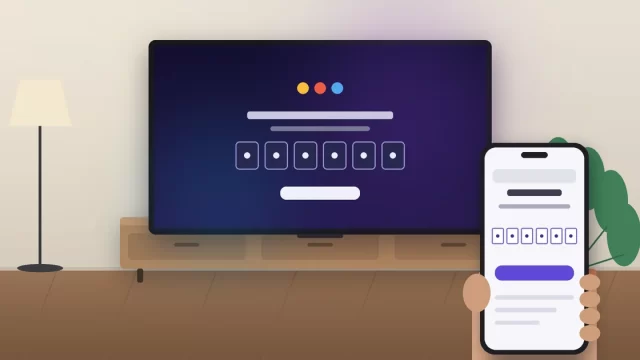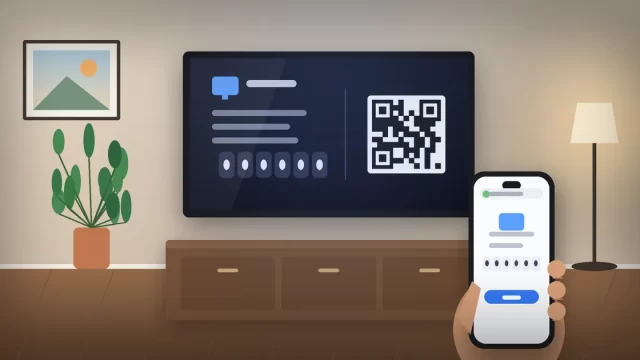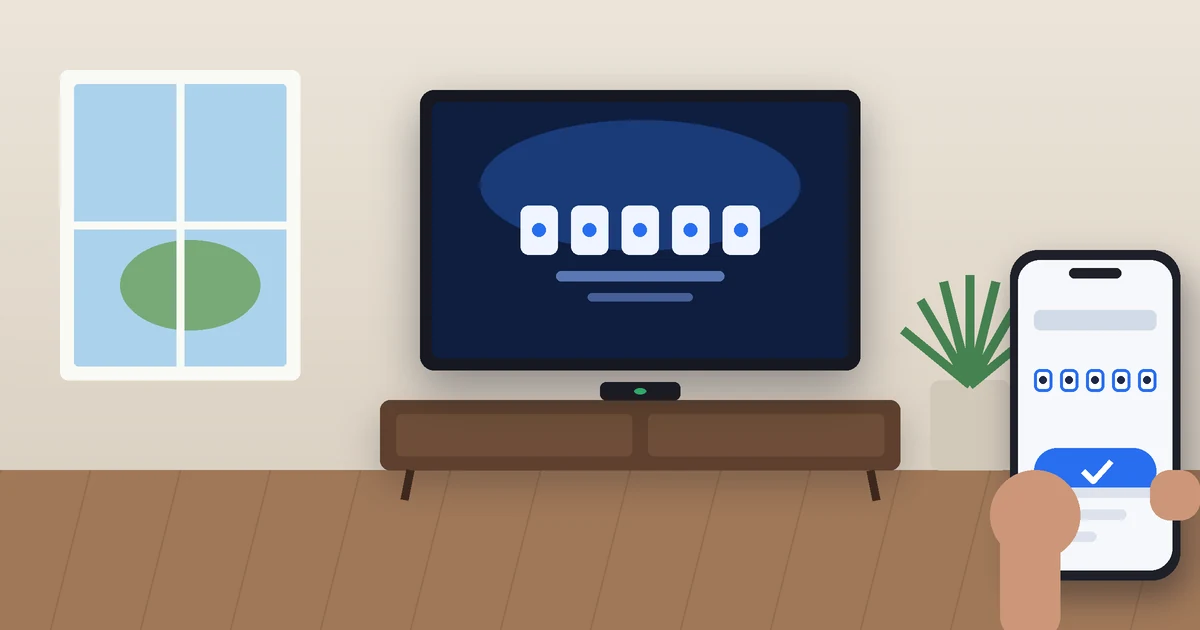
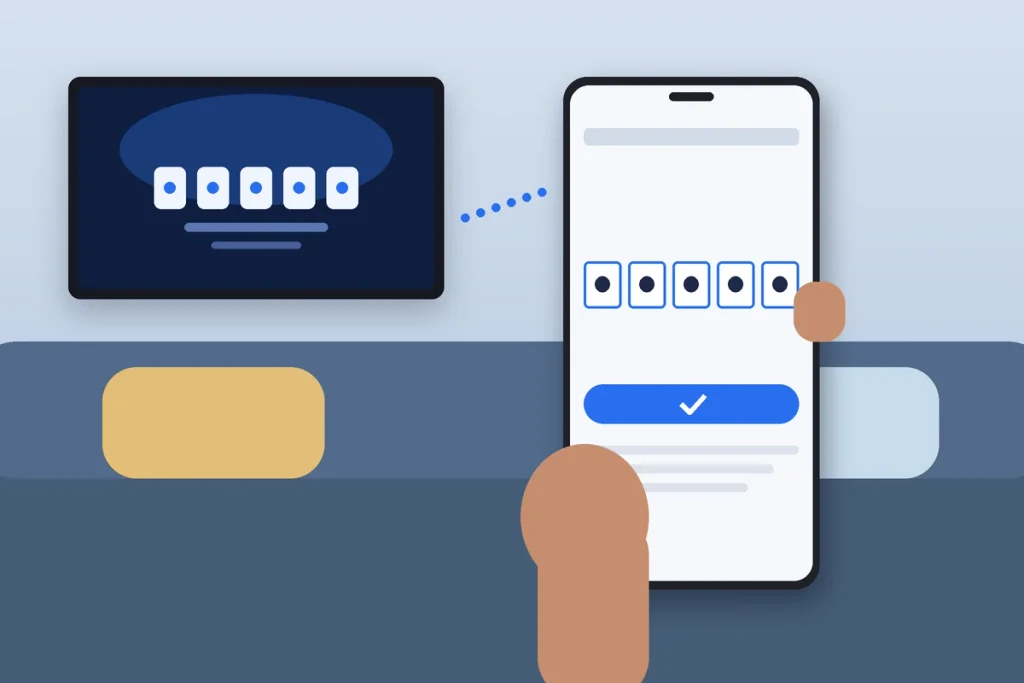
To activate Sling TV, open the Sling app on your TV or streaming device, choose Sign In, and write down the five-digit code on the screen. Then go to sling.com/activate on your phone or computer, type in the code, and log in with your Sling email and password. Your TV usually starts streaming within a few seconds.
That’s the whole process in a nutshell. Below you’ll find:
- each step in detail
- where to get the app on Roku, Fire TV, Apple TV and smart TVs
- what to do when the activation code refuses to work, which happens more often than it should
Key Takeaways
- Open the Sling app on your TV, select Sign In, and enter the five-digit code at sling.com/activate.
- Codes aren’t case-sensitive and expire after about 10 to 15 minutes, so enter them right away.
- Phones, tablets and web browsers don’t need a code. You just sign in with your email and password.
- Activation is free. Any site that asks you to pay or call a number to activate isn’t Sling.
- You only activate once per device. Sling remembers you after that.
What You Need Before You Start
Activation takes about two minutes if you have everything ready. Grab these before you sit down with the remote:
- A supported device with the Sling TV app installed (more on that below).
- A second device with a web browser, like your phone, tablet or laptop.
- Your Sling login (email and password), or a credit or debit card if you’re signing up fresh.
- A working internet connection. If YouTube or Netflix plays fine on that TV, Sling will too.
- A US location. Sling only streams inside the United States, so a VPN set to another country will block you.
How to Activate Sling TV at Sling.com/activate
These steps come straight from Sling’s own help center. They work the same way on Roku, Fire TV, Apple TV, Google TV, Samsung, LG, VIZIO and Xbox.
Step 1: Install and open the Sling TV app
Download the free Sling TV app from your device’s app store and launch it. If it’s already installed, check for an update first. An outdated app is the number one reason activation stalls.
Step 2: Select Sign In
On the landing screen, choose Sign In if you already pay for Sling. If you’re new, pick the option to start a Sling subscription instead. Either way, the app shows you a five-digit activation code.
Step 3: Go to sling.com/activate on your phone or computer
Type sling.com/activate directly into your browser’s address bar. Don’t search for it on Google and tap the first result. Copycat “activation help” sites rank for this term, and some of them exist only to collect your card number or push you to a fake support line.
Step 4: Enter the code and select Continue
Type the code exactly as it appears on your TV, then hit Continue. The code isn’t case-sensitive, but it’s only good for roughly 10 to 15 minutes. If you wander off to make popcorn, you’ll probably need a fresh one.
Step 5: Sign in or create your account
Existing customers enter the email and password tied to their Sling account.
New customers:
- choose a programming type (US, Latino or International)
- create an email and password
- pick a plan and any Extras
- add payment details
Step 6: Wait a few seconds for your TV to refresh
Leave the TV on the code screen. According to Sling, the app normally activates within 5 to 10 seconds and drops you on the My TV screen. You won’t have to repeat this every time you watch.
How to Get the Sling TV App on Popular Devices
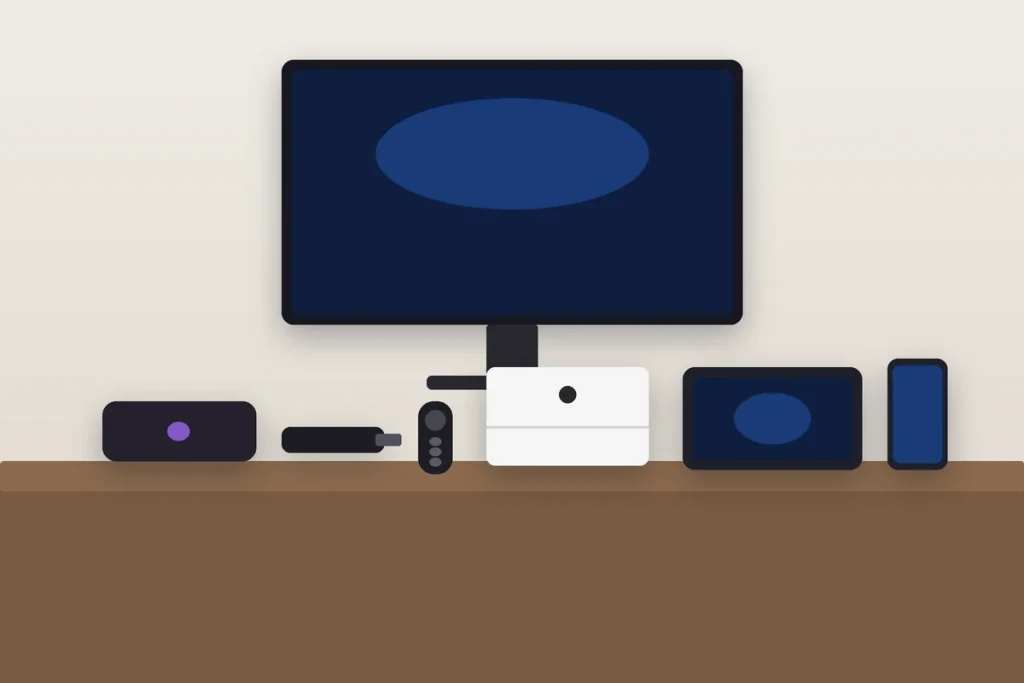
The only part that changes from device to device is where you find the app. Here’s the quick path for the most common setups in American living rooms.
| Device | Where to find Sling | Needs activation code? |
|---|---|---|
| Roku | Home > Search > “Sling TV” > Add channel | Yes |
| Amazon Fire TV | Find (magnifying glass) > “Sling TV” > Get | Yes |
| Apple TV (4th gen or later) | App Store > Search > Get | Yes |
| Google TV / Android TV | Apps tab or Search > Install | Yes |
| Samsung, LG, VIZIO smart TVs | Built-in app store > Search > Install | Yes |
| Xbox | Microsoft Store > Search > Get | Yes |
| iPhone, iPad, Android phone | App Store or Google Play | No, sign in directly |
| Computer | Web browser at sling.com | No, sign in directly |
One shortcut worth knowing: if you’re signed in on your phone, you can often cast to a Chromecast or Google TV instead of activating the TV separately. It’s handy for a hotel room or a friend’s house.
Which Devices Support Sling TV?
Sling’s official supported devices list includes:
- Select Roku models
- Amazon Fire TV
- Apple TV (4th generation or later)
- Select Android TV models
- Select Samsung and LG smart TVs
- VIZIO SmartCast TVs from 2016 or newer
- Select Xbox consoles
- iPhone, iPad, and Android phones and tablets
The catch is age. Sling says its app works on devices that still receive operating system updates from the manufacturer. If you’re using a Roku or smart TV from the mid-2010s, the app may install but crash or refuse to activate. In my experience, a $30 to $50 streaming stick plugged into that older TV fixes more Sling problems than any amount of troubleshooting.
Sling TV Activation Code Not Working? Try These Fixes
Most activation failures come down to a handful of causes. Work through these in order.
The code expired
Back out of the code screen on your TV and select Sign In again. You’ll get a brand-new code. Enter it within a few minutes.
You landed on the wrong website
Check the address bar. It should read sling.com/activate, nothing else. Sling doesn’t charge an activation fee, and it won’t ask you to call a phone number to finish setup. The Federal Trade Commission warns that fake tech support lines are a common scam, and streaming activation pages are a favorite hook.
The TV is stuck on the code screen
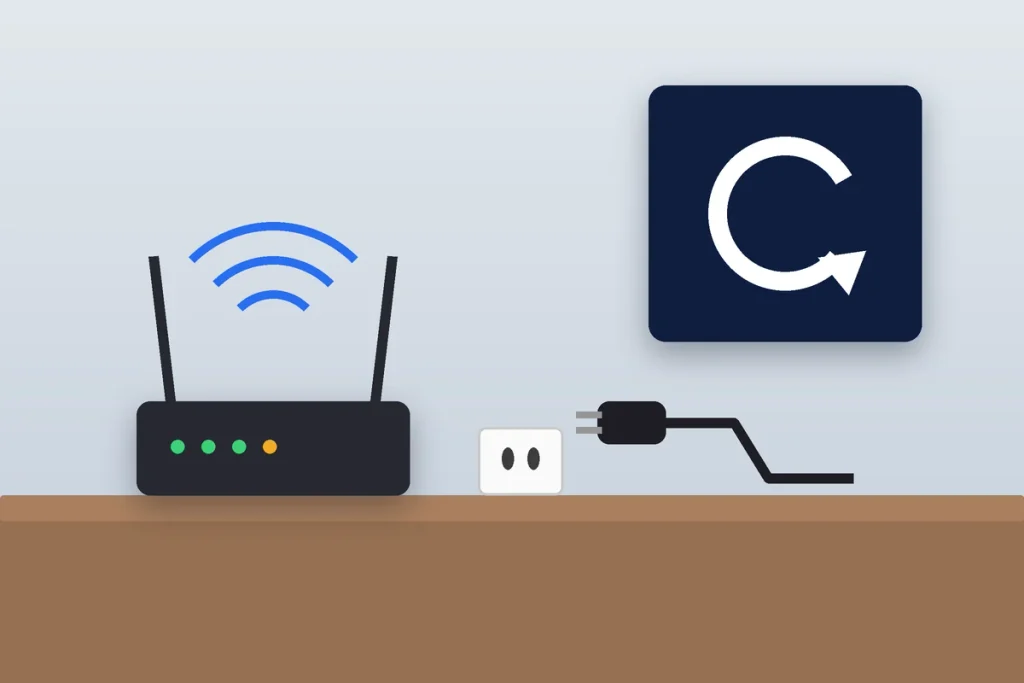
Give it a full minute. If nothing happens, close the Sling app completely and restart the device. For a stubborn Roku or Fire TV, unplug it from the wall for 30 seconds. That clears more glitches than the menu restart does.
The app is outdated or corrupted
Update the app from your device’s store. If that doesn’t help, uninstall it and reinstall. On a Fire TV, you can try clearing the cache first under Settings > Applications > Manage Installed Applications > Sling TV.
You signed in with the wrong email
Lots of households have two Sling accounts by accident (one from a promo, one from a later signup). Log in at sling.com/account on your phone to confirm which email holds your active subscription.
A VPN or ad blocker is interfering
Turn off any VPN on both your phone and your TV, since Sling blocks connections that look like they’re coming from outside the US. Aggressive ad blockers on a phone browser can also break the activation page.
Still stuck? Sling’s chatbot at sling.com/help handles activation issues around the clock, and it can escalate you to a live agent.
Which Sling TV Plan Should You Pick When You Sign Up?
If you’re activating a new account, you’ll choose a plan during Step 5. The prices below reflect Sling’s published rates as of October 2026. They can vary by ZIP code, so confirm the final number at checkout.
| Plan | Starting price | Streams at once | Best for |
|---|---|---|---|
| Sling Orange | $45.99/month | 1 | ESPN, sports and family channels |
| Sling Blue | $45.99/month (up to $9 more where local ABC, NBC or Fox is included) | 3 | News, entertainment, reality TV |
| Sling Orange & Blue | $60.99/month | 4 | Households that want everything |
| Sling Freestream | Free | N/A | Free ad-supported channels |
My take: Orange works for a single sports fan, but that one-stream limit gets old fast in a family. If two people in your house watch at the same time, Blue or the combo plan saves a lot of arguments.
Tips to Keep Sling Running Smoothly After Activation
- Turn on automatic app updates on your streaming device so you don’t hit sign-in errors after a Sling release.
- Manage your plan at sling.com/account. That’s where you change packages, add Extras or cancel.
- Sign out before you sell or give away a TV. Otherwise the new owner may still be watching on your dime.
- Use the cloud DVR. Sling plans include DVR storage, so record games instead of rushing home for kickoff.
Frequently Asked Questions
What is the Sling TV activation code?
The Sling TV activation code is a five-digit code that appears on your TV when you select Sign In in the Sling app. You enter it at sling.com/activate on a phone or computer to link that TV to your Sling account. It isn’t case-sensitive and expires after about 10 to 15 minutes.
Why is sling.com/activate not working?
The most common reasons are an expired code, a typo in the web address, an outdated Sling app, or a VPN that makes Sling think you’re outside the US. Get a fresh code, type sling.com/activate directly into your browser, update the app, and turn off any VPN. Restarting the device fixes most remaining issues.
Do I have to activate Sling TV every time I watch?
No. You only activate Sling TV once per device. After the code is accepted, the app stays signed in and opens straight to the My TV screen. You’d only need a new code if you sign out, reinstall the app, reset the device, or change the password on your Sling account.
Can I watch Sling TV without a paid subscription?
Yes. Sling Freestream is a free, ad-supported tier with hundreds of live channels and on-demand titles, available in the same Sling app. You won’t get paid networks like ESPN or CNN without a plan, but it’s a good way to test the app on your TV before you commit to Orange or Blue.
How many devices can I use Sling TV on at once?
It depends on your plan. Sling Orange allows one stream at a time, Sling Blue allows three, and Sling Orange & Blue allows four. You can activate the app on more devices than that, but only that many can play video simultaneously.
Is there a fee to activate Sling TV?
No. Activating Sling TV on a device is free. You only pay for your monthly Sling plan. If a website or phone number asks for money, gift cards or remote access to “activate” your account, close it. That’s a scam, not Sling. Use only sling.com/activate and Sling’s official help center.
Related: How to Activate YouTube TV at tv.youtube.com/start
Ready to Start Watching?
Open the Sling app on your TV, grab the code, and head to sling.com/activate on your phone. You’ll be watching in under five minutes. If the code fails, get a fresh one and restart the device before trying anything fancier. And if your TV is too old to keep the app stable, a new streaming stick is the cheapest permanent fix.