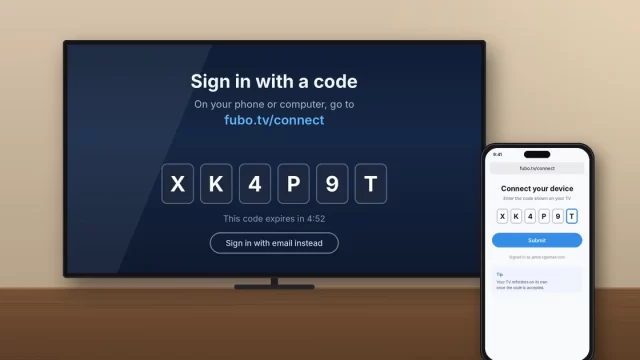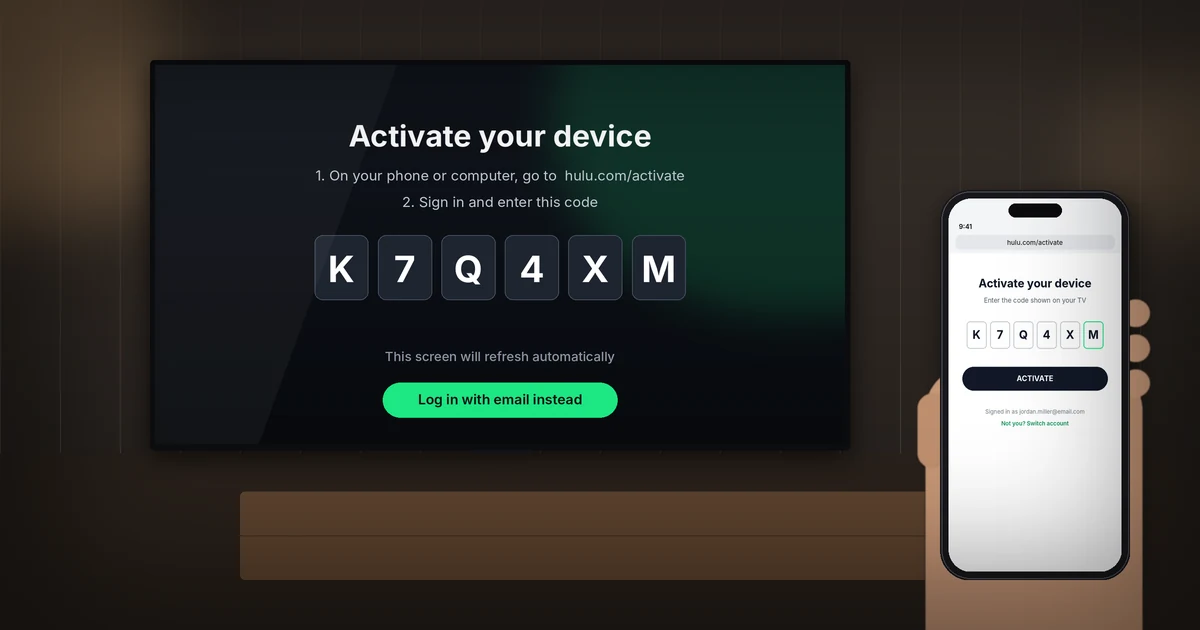
To activate Hulu on your TV, open the Hulu app, choose Log In, then pick Activate on a computer. A short code appears on screen. Go to hulu.com/activate on your phone or laptop, sign in, type the code, and your TV refreshes on its own, usually in under a minute.
That’s the whole process for most people. Below, you’ll find device-by-device steps, what to do when the code won’t work, and one big change you should know about this month: Disney is folding Hulu into the Disney+ app starting in December 2026, which affects how some viewers will activate Hulu on TV going forward.
Key Takeaways
- The fastest way to activate Hulu on TV is the code method at hulu.com/activate. No typing passwords with a remote.
- Activation codes expire. If yours fails, back out and generate a fresh one.
- Disney says Hulu becomes a fully unified part of the Disney+ app starting in December 2026, but it hasn’t announced a shutdown date for the standalone Hulu app.
- If the Hulu app is gone from your device, sign in through the Disney+ app instead, using disneyplus.com/begin.
- Old TVs you no longer use can be removed under Manage Devices in your Hulu account.
What You Need Before You Activate Hulu on Your TV
Gather three things first, and you can activate Hulu on your TV in about two minutes:
- An active Hulu subscription (Hulu on its own, Hulu + Live TV, or a Disney bundle that includes Hulu).
- Your Hulu login, meaning the email and password on the account. If you pay through a bundle, it’s usually your Disney account email.
- A second device with a web browser, such as a phone, tablet, or computer.
One more thing people miss: Hulu only streams inside the United States. If you’re traveling abroad or running a VPN on your router, sign-in can fail even when everything else is right.
How to Activate Hulu on TV With hulu.com/activate (Step by Step)
This method works on almost every supported TV and streaming device. It’s the one I recommend, because entering an email address with an on-screen keyboard is slow and easy to mistype.
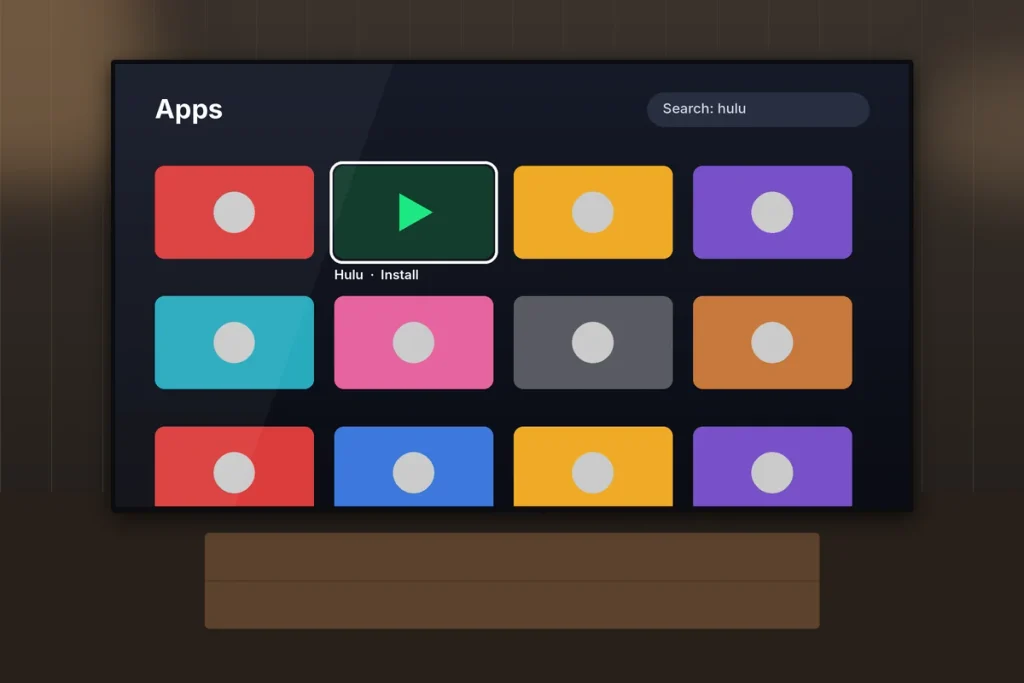
- Turn on your TV and open the Hulu app. Install it from your TV’s app store if you don’t see it.
- On the welcome screen, select Log In.
- Choose Activate on a computer. An activation code appears on your TV.
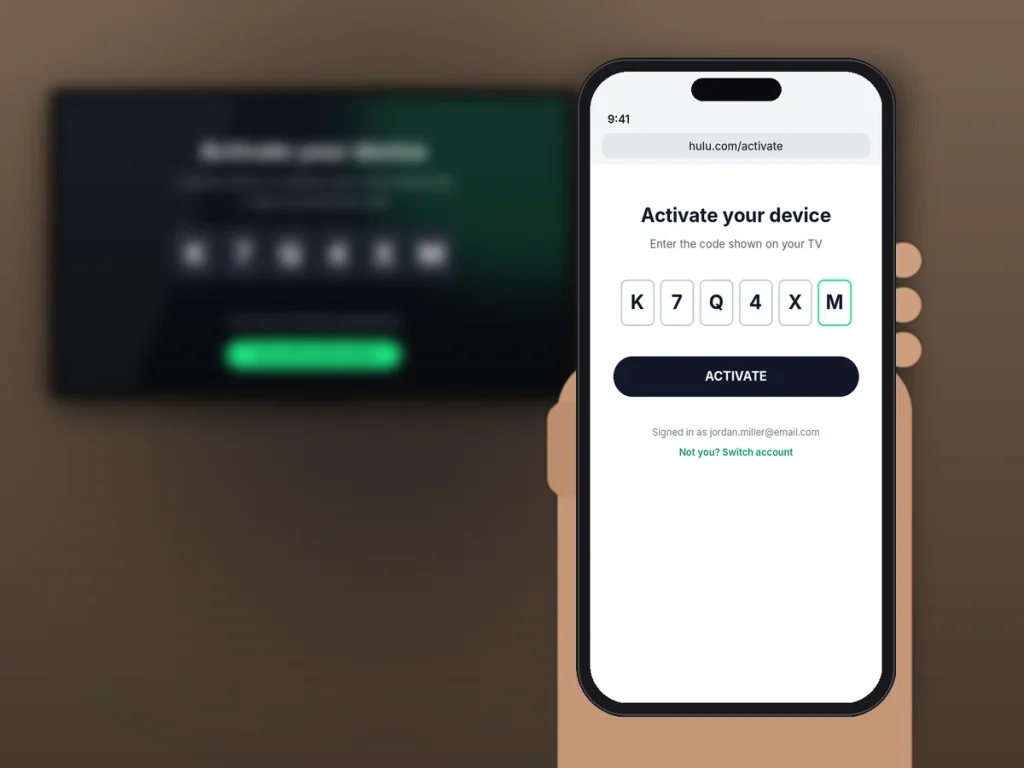
- On your phone or computer, open a browser and go to hulu.com/activate.
- Sign in to your Hulu account if you aren’t already.
- Type the code exactly as shown on your TV and select Activate.
- Leave the TV alone. The Hulu app should refresh and log you in within about 30 seconds.
If you share an account with family, check the email shown on the activation page before you hit the button. Activating a TV on the wrong profile’s account is one of the most common reasons people “lose” their shows.
Prefer to Log In Directly on the TV?
You can activate Hulu without a code, too. On the Log In screen, choose the option to sign in on the device, then enter your email and password with the remote. It works fine, it’s just slower. If you use a password manager, the code method saves you from typing a 20-character password one letter at a time.
Activate Hulu on Your Specific TV or Streaming Device
The steps to activate Hulu on TV are the same everywhere. What changes is where you find and install the app. Here’s where to look on the devices most Americans use.
| Device | Where to get the Hulu app | Then |
|---|---|---|
| Roku TV or Roku stick | Home > Search, type “Hulu,” select Add channel | Open Hulu, Log In, Activate on a computer |
| Amazon Fire TV / Fire TV Stick | Find > Search, type “Hulu,” select Get or Download | Open Hulu, Log In, Activate on a computer |
| Samsung Smart TV | Home > Apps, search “Hulu,” select Install | Open Hulu, Log In, Activate on a computer |
| LG Smart TV (webOS) | Home > Apps (LG Content Store), search “Hulu” | Open Hulu, Log In, Activate on a computer |
| Google TV / Android TV (incl. Sony, TCL, Hisense) | Apps tab or Search, install Hulu from Google Play | Open Hulu, Log In, Activate on a computer |
| Apple TV | App Store, search “Hulu” | Open Hulu, Log In, Activate on a computer |
| Xbox / PlayStation | Microsoft Store or the PlayStation TV & Video section | Open Hulu, Log In, Activate on a computer |
Activate Hulu on Roku
Roku users should make sure the device software is current before they activate Hulu on TV. Go to Settings > System > System update > Check now. An outdated Roku is a common reason the Hulu app crashes right after login.
Activate Hulu on Fire TV Stick
On older Fire TV Sticks, storage fills up fast. If Hulu won’t install or freezes on the code screen, uninstall an app you don’t use under Settings > Applications > Manage Installed Applications, then try again.
Activate Hulu on Samsung and LG Smart TVs
Before you activate Hulu on a Samsung or LG TV, know that smart TV apps lag behind streaming sticks. If your Samsung or LG set is more than six or seven years old, Hulu may no longer be offered in its app store. A $30 to $50 streaming stick from Roku, Amazon, or Google is usually the cheapest fix and runs the app faster anyway.
Hulu Is Moving Into Disney+: What It Means for TV Activation
Here’s the timely part. In its November 17, 2026 letter to shareholders, Disney said Disney+ and Hulu would become a fully unified experience starting this December, including live TV and select premium add-ons. Disney has not announced a date for switching off the standalone Hulu app, and you can still subscribe to Hulu by itself in the US.
The app has already started disappearing from some hardware. Nintendo pulled Hulu from the Switch eShop in February 2026, so some devices simply won’t show it anymore.
What this means in practice:
- If the Hulu app is still on your TV, keep using hulu.com/activate to activate Hulu on your TV as described above. Nothing changes today.
- If Hulu is missing or says it’s no longer supported, install the Disney+ app, select Log In, and enter the 8-digit code at disneyplus.com/begin. Hulu shows and movies appear in the Hulu section of the app, based on your plan.
- If you have a Disney bundle, the Disney+ app already gives you Hulu content in one place, so it’s worth switching now.
We walk through that process in detail in our guide on how to activate Disney Plus on your TV.
Can’t Activate Hulu on TV? Fixes for a Code That Won’t Work
Most failed attempts to activate Hulu on TV come down to a handful of causes. Work through these in order.
- The code expired. Codes are only valid for a short window. Back out of the code screen on your TV, select Activate on a computer again, and use the new code right away.
- A typo in the code. Letters like O and 0, or I and 1, trip people up. Read it off the TV slowly.
- Wrong account in the browser. Your phone may be signed in to a different Hulu or Disney account. Log out, log back in with the right email, and re-enter the code.
- The TV won’t refresh. Wait 60 seconds, then close the Hulu app completely and reopen it. Many TVs need a relaunch to pick up the login.
- Network trouble. Restart your router and TV by unplugging both for 30 seconds. Turn off any VPN.
- Outdated app. Update the Hulu app and your TV’s system software, or delete and reinstall the app.
- Payment problem. A failed card charge can put your account on hold. Check your billing on Hulu’s account page.
Still stuck after all that? The Hulu Help Center has live chat, and they can see account-side issues you can’t.
How to Remove an Old TV From Your Hulu Account
Sold a TV or moved out of a shared house? Remove it so nobody keeps streaming on your dime.
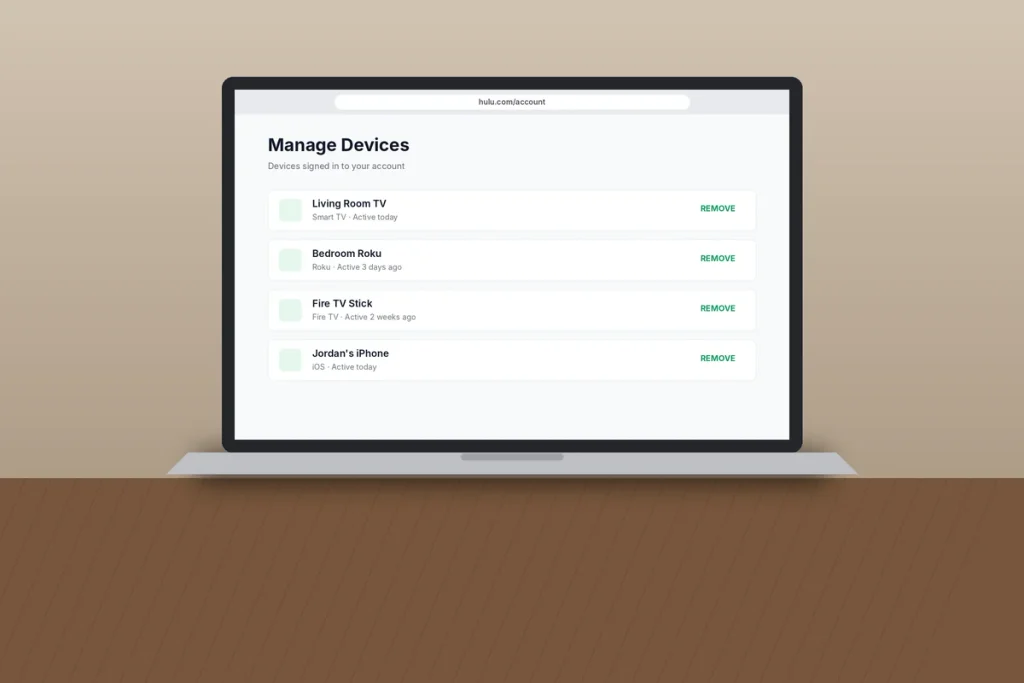
- Go to your Hulu account page in a browser and sign in.
- Under Your Account, select Manage Devices.
- Select Remove next to any device you don’t recognize or no longer own.
Then change your password. Removing a device logs it out, but someone who knows your password can just sign back in.
Get Watching Tonight
For most people, the fastest way to activate Hulu on TV is simple: open Hulu, choose Activate on a computer, and enter the code at hulu.com/activate. If the Hulu app has vanished from your device, don’t fight it. Move to the Disney+ app, since that’s where Disney is taking Hulu anyway. Setting up more streaming apps this weekend? See our guides on how to activate YouTube TV and activate Peacock on Roku, Fire TV and smart TVs, plus our rundown of how to watch NFL games this season.
Frequently Asked Questions
Where do I enter my Hulu activation code?
Enter it at hulu.com/activate using a browser on your phone, tablet, or computer. Sign in to your Hulu account first, then type the code shown on your TV exactly as it appears and select Activate. Your TV should refresh and log you in within about 30 seconds without any extra steps.
Why is my Hulu activation code not working?
The most common reasons are an expired code, a typo, or being signed in to the wrong account in your browser. Generate a fresh code on the TV, double-check similar characters like O and 0, and confirm the email on the activation page. Turning off a VPN and restarting the app also helps.
Is the Hulu app shutting down?
Disney says Hulu becomes a fully unified part of the Disney+ app starting in December 2026, including live TV and premium add-ons. As of late November 2026, it hasn’t announced a shutdown date for the standalone Hulu app, and Hulu is still sold on its own in the US.
Can I watch Hulu through the Disney+ app?
Yes. The Disney+ app includes a Hulu section, and Disney is moving the full Hulu experience into it starting in December 2026. Open Disney+ on your TV, choose Log In, and enter the 8-digit code at disneyplus.com/begin. What you can watch depends on the plan attached to your account.
How do I log out of Hulu on a TV I don’t have anymore?
Sign in to your Hulu account in a web browser, go to Manage Devices under Your Account, and select Remove next to the TV. That logs the device out remotely. For extra safety, change your Hulu password afterward so nobody can simply sign back in with your old login details.