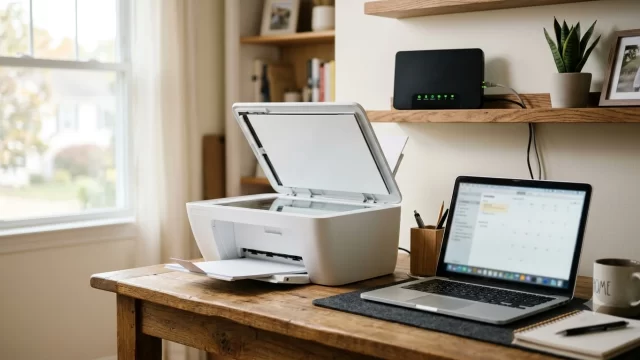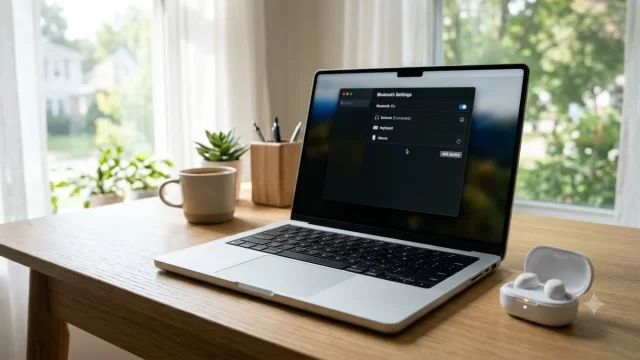
The best tech gifts for parents who aren’t tech-savvy are devices that work after one setup and never ask them to learn an app, and the easiest tech gifts for parents in 2026 all follow that rule. Our top picks for 2026 are the Aura Carver digital photo frame, the Amazon Echo Show 8 for video calls, the Jitterbug Smart4 phone, the Apple Watch SE 3 for fall detection, a Roku Streaming Stick and a Kindle Paperwhite. Each one has a big screen, a simple button or voice controls, and nothing to “figure out” on Christmas morning.
The real secret behind great tech gifts for parents isn’t the gadget. It’s setting it up yourself before you wrap it, which we cover step by step below.
Key Takeaways
- The Aura Carver ($149) is the easiest gift on this list: you load the photos, they just watch.
- For video calls, the Echo Show 8 ($199.99) lets you call in with Drop In, so your parent doesn’t have to answer anything.
- Match the gift to their phone: Apple Watch and AirTag need an iPhone.
- Set every device up, sign it in and write a one-page cheat sheet before you gift it.
- Watch for hidden monthly fees, especially on phones, doorbells and streaming apps.
What Makes Good Tech Gifts for Parents Who Aren’t Tech-Savvy?
The tech gifts for parents that actually stick share three traits. They do one job well, they need zero daily maintenance, and they can be managed from your phone instead of theirs.
- One-time setup: once it’s on Wi-Fi, it should run itself.
- Big, clear controls: large screens, physical buttons or voice commands.
- Remote help: you can add photos, fix settings or check in from your own app.
- No surprise bills: free storage and no required subscription, or a cost you’re willing to cover.
Anything that needs passwords typed often, frequent charging or a learning curve tends to end up back in the box. That’s the filter we used for every one of the tech gifts for parents below.
Quick Comparison: Easy Tech Gifts for Older Parents
Here’s how our tech gifts for parents compare on price, monthly fees and who they suit best.
| Gift | Price (list) | Monthly Fee? | Best For |
|---|---|---|---|
| Aura Carver photo frame | $149 | No | Grandparents who love family photos |
| Echo Show 8 | $199.99 | No (Alexa+ free with Prime) | Video calls, reminders, recipes |
| Echo Show 5 | $99.99 | No | Bedside clock and quick calls |
| Jitterbug Smart4 phone | $119.99 + plan | Yes | Parents overwhelmed by smartphones |
| Apple Watch SE 3 | $249 | No (GPS model) | Fall detection for iPhone users |
| Roku Streaming Stick | $39.99 | No | Simple TV and streaming |
| Kindle Paperwhite | $199.99 | No | Readers who need bigger text |
| Apple AirTag | $29 | No | Parents who misplace keys or wallets |
| Ring Battery Doorbell (2K) | $99 | Optional | Seeing who’s at the door safely |
Prices are US list prices checked in early November 2026. Several Amazon and Roku devices went up this year because of a memory chip shortage, so compare Target, Best Buy and Walmart, which sometimes still carry older stock at the previous price.
The Best Tech Gifts for Parents, Reviewed
1. Aura Carver Digital Photo Frame: Best Overall
If you buy only one of these tech gifts for parents, make it the Aura Carver. It costs $149 (the Carver Mat version is $179), and Aura says there are no subscriptions or fees, with free unlimited photo and video storage. Your parent plugs it in, and that’s the last thing they ever have to do.
Here’s why it beats cheaper frames: everyone in the family can send photos to it from the Aura app on their own phones. Grandma never touches a menu. She just sees new pictures of the grandkids show up on the kitchen counter. You can even preload a few hundred photos and connect it to their Wi-Fi in advance so it’s showing memories the moment it’s unwrapped.
2. Amazon Echo Show 8: Best for Video Calls
Among tech gifts for parents who live far away, the Echo Show 8 ($199.99 list after Amazon’s August 2026 price change) is the easiest way to video chat with a parent who struggles with FaceTime. With the Drop In feature turned on for approved contacts, you can start a video call from your phone and it simply connects, no tapping “answer” required.
It also works as a talking clock, recipe screen, weather display and medication reminder (“Alexa, remind me to take my pills at 8 a.m. every day”). On a tighter budget, the Echo Show 5 at $99.99 does the same basics on a smaller screen that’s perfect for a nightstand.
Pro tip: set it up under your Amazon account’s household, add yourself as a Drop In contact, and turn on the camera shutter so they feel in control of privacy.

3. Jitterbug Smart4: Best Phone for Parents Who Hate Smartphones
The Lively Jitterbug Smart4 replaces the cluttered app grid with a simple list menu, and it includes a dedicated Urgent Response button that connects to US-based agents 24/7. It’s hearing aid compatible and runs on Verizon’s network. The phone is $119.99, plus Lively’s monthly plan, so check current pricing on Lively’s Smart4 page before you commit.
Honestly, if your parent only calls and texts, the Jitterbug Flip2 ($79.99) is even simpler, with big physical buttons. Don’t buy either one without checking that they’re okay switching phone numbers or carriers first.
4. Apple Watch SE 3: Best Safety Gift for iPhone Users
The Apple Watch SE 3 launched at $249 and has sold for $199 to $219 during sales this year. For older parents, the big feature is fall detection, which makes it one of the most meaningful tech gifts for parents who live alone: if the watch senses a hard fall and they don’t respond, it can call emergency services and alert their emergency contacts.
It needs an iPhone, and it needs charging every day or so, which is the main downside. If your parent forgets to charge things, put the charger on their nightstand and make “watch on the charger” part of their bedtime routine.
5. Roku Streaming Stick: Easiest Smart TV Upgrade
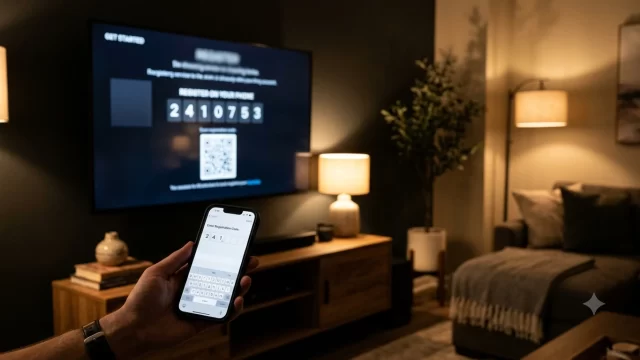
Roku’s home screen is the simplest of the major streaming platforms, and the remote has just a handful of buttons. The basic Streaming Stick now lists at $39.99. Sign in to their streaming apps yourself before Christmas; our guide to activating YouTube TV shows how the on-screen code works, and the same steps apply to most apps.
Then delete every app they won’t use. Simple beats powerful when you’re choosing tech gifts for parents. A home screen with five big tiles is far less intimidating than one with 40.
6. Kindle Paperwhite: Best for Readers With Tired Eyes
The Kindle Paperwhite ($199.99) lets your parent bump the font size up as large as they need, adjust the warm light for evening reading and hold one light device instead of a heavy hardcover. The base Kindle ($149.99) is a fine cheaper option. Link it to your Amazon account so you can send them books, and they never need to shop or type a password.
7. Apple AirTag: Best Small Gift for Forgetful Parents
Inexpensive tech gifts for parents can still solve daily problems. At $29, an AirTag on the key ring or tucked in a wallet saves real frustration. Your parent can ask Siri “Where are my keys?” and the tag plays a sound. If they use Android, the Tile Mate ($24.99) works on both phone types.
8. Ring Battery Doorbell: Best for Peace of Mind at the Door
Ring’s entry battery doorbell with 2K video launched at $99 in 2026. Your parent can see and talk to whoever is at the door from their phone or an Echo Show, without opening it, which helps with door-to-door scams. Live view is free, but saving recorded video requires a Ring Home plan, so decide upfront whether you’ll pay for it.
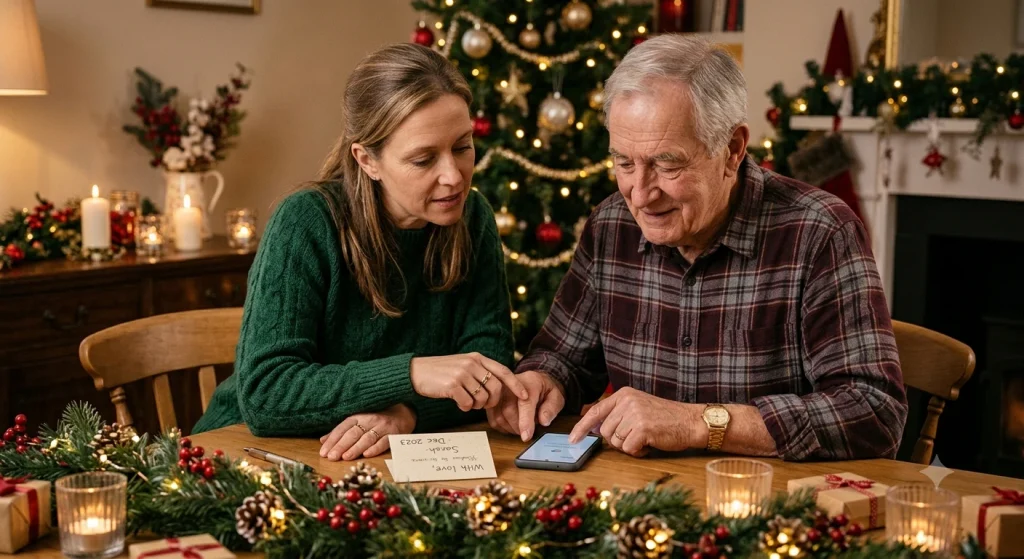
How to Set Up Tech Gifts So Your Parents Actually Use Them
This step matters more than which gadget you buy. Most tech gifts for parents fail because they arrive as a sealed box. Do this instead:
- Unbox and update it first. Charge it, connect it to Wi-Fi and install software updates before wrapping.
- Sign in for them. Use their account or a family account, and save logins in a password manager you both can reach.
- Add yourself as a contact. Emergency contact, Drop In contact, frame sharer, whatever the device allows.
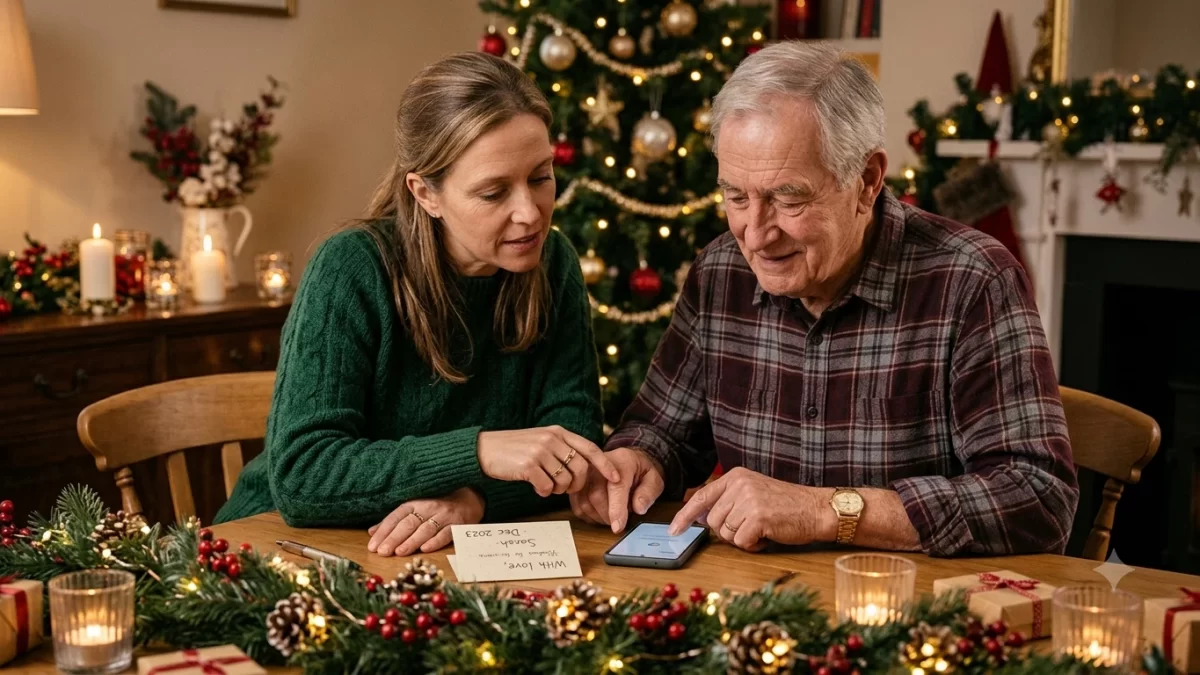
- Write a one-page cheat sheet. Big print, three steps max, taped inside a kitchen cabinet.
- Turn on scam protection. Silence unknown callers and talk about common scams. The FTC’s guide on keeping older adults safe from scams is worth sharing with them.
Good tech gifts for parents also come with a little safety coaching. If your parent already uses social media, also walk them through what to do if an account is stolen. Our step-by-step Facebook or Instagram hacked recovery guide is a good one to bookmark on their phone.
Tech Gifts to Skip for Non-Tech-Savvy Parents
Not all tech gifts for parents are winners. Some popular gifts look great in ads but frustrate older users. I’d skip these unless your parent has asked for one:
- Full tablets with no setup: notifications, updates and app stores overwhelm quickly.
- Smart home kits with many parts: hubs, sensors and routines break, and you’ll be the help desk.
- Fitness trackers with small screens: tiny text and daily syncing rarely stick.
- Anything with a required subscription you didn’t budget for: those charges often land on their credit card.
Frequently Asked Questions
What is the best tech gift for elderly parents?
A digital photo frame like the Aura Carver is the best tech gift for most elderly parents. It costs $149, has no subscription, and family members send photos from their own phones. Your parent only plugs it in once. For parents who want video calls, the Echo Show 8 is the next best choice.
Do Aura frames require a subscription?
No. Aura says its frames include free, unlimited photo and video storage with no subscription or monthly fees. You set up the frame with the Aura app, connect it to Wi-Fi and invite family members to share photos. The Aura Carver costs $149, and the Carver Mat version costs $179 in the US.
Can my parents video call without a smartphone?
Yes. An Amazon Echo Show lets parents video call using only their voice, and with Drop In turned on for trusted contacts, calls from family connect automatically. They need home Wi-Fi and an Amazon account, which you can set up for them. The Echo Show 5 costs $99.99, and the Echo Show 8 costs $199.99.
Is the Apple Watch good for seniors?
The Apple Watch SE 3 is a good choice for seniors who use an iPhone. Fall detection can call 911 and alert emergency contacts if they take a hard fall and don’t respond. It launched at $249. The downsides are daily charging and the need for an iPhone, so it’s not ideal for Android users.
What is the easiest phone for seniors to use?
The Lively Jitterbug Flip2 and Jitterbug Smart4 are among the easiest phones for seniors. The Flip2 has big buttons for calls and texts, while the Smart4 uses a simple list menu. Both include an Urgent Response button for 24/7 help. Both require a Lively monthly plan, which runs on Verizon’s network.
Pick One Gift and Set It Up This Weekend
The best way to choose tech gifts for parents is to start with what they already love (photos, phone calls with the grandkids, TV or reading). Choose the one device that makes that easier. Order it now, set it up at your place, write the cheat sheet, and you’ll hand over a gift that works the minute it’s unwrapped. That’s what makes the best tech gifts for parents feel like love instead of homework.