The best wireless printers for home use in 2026 come down to one question: do you print color and photos, or mostly black text? If you print color, buy an ink-tank model like the Canon MegaTank G3270 or Epson EcoTank ET-2800. If you print homework, tax forms, and shipping labels, and the printer sometimes sits for weeks, buy a monochrome laser like the Brother HL-L2460DW.
That’s the short answer. Below, you’ll find our six picks for the best wireless printers for home use, real running costs from official ink and toner prices, and the ink-tank vs laser printer trade-offs that spec sheets don’t tell you.
Key Takeaways
- Best overall ink tank: Canon MegaTank G3270, often on sale for $145 to $160, with black pages costing about a third of a cent.
- Best budget laser: Brother HL-L2460DW ($160 to $180), 36 pages per minute and no ink to dry out.
- Ink tanks are actually cheaper per page than budget lasers, even for black text.
- Lasers win if you print rarely, because toner doesn’t clog after weeks of sitting idle.
- Check the ink rules before buying an HP. HP+ printers require Original HP ink for life.
Our Picks: Best Wireless Printers for Home Use at a Glance
Every wireless printer here connects over Wi-Fi, works with AirPrint on iPhone and Mac, and prints from Android and Windows 11 without a cable. Prices are typical US retail as of late November 2026. Holiday deals move fast, so treat them as a range.
| Printer | Type | Best for | Typical price | Speed (black) | Scanner |
|---|---|---|---|---|---|
| Canon MegaTank G3270 | Ink tank | Best overall value | $145 to $249 | 11 ppm | Yes |
| Epson EcoTank ET-2800 | Ink tank | Small spaces, budget | $200 to $240 | 10 ppm | Yes |
| Epson EcoTank ET-2980 | Ink tank | Auto two-sided printing | $270 to $330 | Faster than ET-2800 | Yes |
| Brother HL-L2460DW | Mono laser | Text-only homes | $160 to $180 | 36 ppm | No |
| Brother MFC-L2820DW | Mono laser all-in-one | Home office paperwork | $280 to $300 | 34 ppm | Yes, with feeder |
| Brother HL-L3280CDW | Color laser | Color charts and flyers | About $300 | 27 ppm | No |
Ink-Tank vs Laser Printer: Which Wireless Printer Is Better for Home Use?
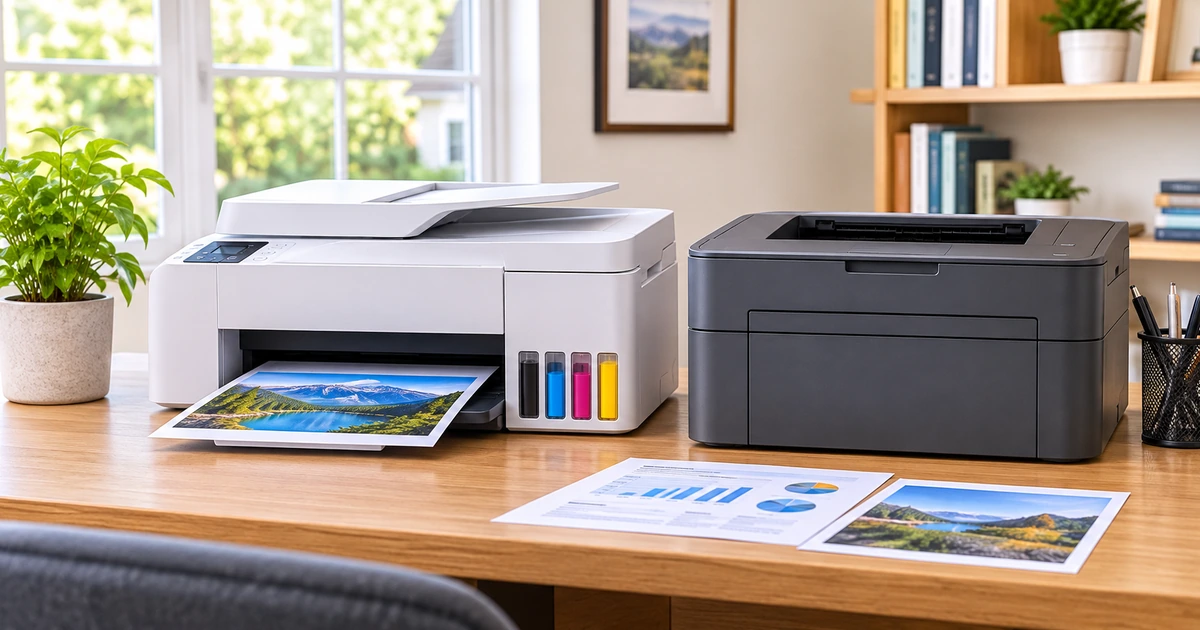
Here’s the honest version. An ink-tank printer (Epson calls it EcoTank, Canon calls it MegaTank) uses big refillable reservoirs instead of cartridges. You pour ink from bottles, and one set lasts thousands of pages. A laser printer fuses toner powder onto paper with heat, which makes it fast and very crisp on text.
Running cost: ink tanks win, even on black text
This surprises most people. Canon rates the G3270’s black bottle at 6,000 pages, and Consumer Reports measured its text pages at about 0.3 cents each. Brother sells its TN830XL high-yield toner for $84.99 on its official US store, rated for about 3,000 pages. That works out to roughly 2.8 cents per page. Both are cheap. The ink tank is just cheaper.
Reliability when idle: lasers win
Ink can dry in the print head if you go a month without printing. Then you burn ink on head cleanings, and sometimes a nozzle never fully recovers. Toner is a dry powder, so a laser that sat untouched since summer still prints a clean page the second you wake it up. If your family prints in bursts (tax season, back-to-school, the holidays), that matters more than cost per page.
Print quality and speed
- Photos: Ink tanks, easily. Color lasers make photos look flat and washed out.
- Text: Lasers produce sharper black text on plain paper, with no smudging.
- Speed: Budget lasers print 30+ pages per minute. Budget ink tanks run 10 to 11.
- Size: Ink tanks are lighter. The Brother MFC-L2820DW weighs about 25.5 pounds.
Our rule of thumb for picking a wireless printer: if you’d print at least a few pages every week and want color, go ink tank. If color is rare and the printer might sit for weeks, go laser.
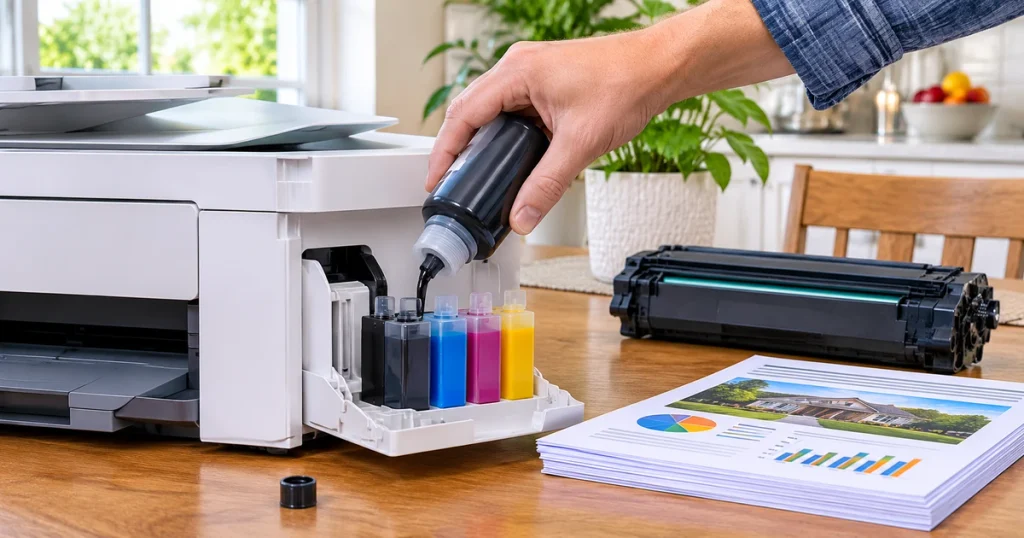
Best Ink Tank Printer for Home Use
1. Canon MegaTank G3270: best overall value
The G3270 is the wireless printer we’d hand most families. Canon’s list price is $248.99, but it regularly drops to $145 to $160 at Amazon and Best Buy, and the box includes enough ink for thousands of pages. Replacement bottles run about $18 for black and $13 per color, which is why Consumer Reports put its estimated yearly ink cost at just $3 for typical use.
It prints up to 11 black and 6 color pages per minute, scans and copies, and handles borderless photos well. The trade-offs are real, though. There’s no automatic two-sided printing, no document feeder, and the 1.35-inch screen is tiny. You’ll do most setup from the Canon PRINT app. If you already own a Canon, our Canon printer setup guide using ij.start.canon walks through drivers on Windows and Mac.
2. Epson EcoTank ET-2800: best budget ink tank for small spaces
The ET-2800 is one of the narrowest wireless printers you can buy, and it weighs under 9 pounds, so it fits on a bookshelf or dorm desk. Epson lists it at $229.99 to $239.99 and sells it for $199.99 during sales on Epson’s official store. It ships with up to two years of ink, and replacement T522 bottles are rated at 4,500 black and 7,500 color pages.
Photos on glossy paper look great. Black text on plain paper is a little softer than a laser’s. Like the Canon, two-sided printing is manual, so you’ll flip pages yourself.
3. Epson EcoTank ET-2980: best ink tank with auto duplex
If your kids print long reports, the ET-2980 is worth the extra money. It adds automatic two-sided printing and a faster engine than the ET-2800 while keeping the same bottle-fed ink system. Epson lists it at $329.99, but we’ve seen it at $269.99 to $285 this holiday season. You still get a 100-sheet tray and a small 1.44-inch screen, and there’s no automatic document feeder.
Best Laser Printer for Home Use
4. Brother HL-L2460DW: best wireless printer for text-only homes
This is the “buy it and forget it” wireless printer. The HL-L2460DW prints black pages at up to 36 per minute, the first page comes out in about 8.5 seconds, and it auto-prints on both sides. The 250-sheet tray holds half a ream, so you’re not refilling paper every week. It connects over Wi-Fi, Ethernet, or USB.
It’s print-only, with no scanner, and it can’t do color. For many households that’s fine. Phones scan documents well enough now, and you get a printer that works the same in December as it did in June. Expect to pay $160 to $180.
5. Brother MFC-L2820DW: best wireless laser all-in-one for home offices
Need to scan a 20-page lease or fax a form to a doctor’s office? The MFC-L2820DW adds a flatbed scanner, an automatic document feeder, copying, and fax to the same fast laser engine (34 pages per minute). It typically sells for $280 to $300. The XL bundle usually costs about $50 more and ships with far more toner, which makes it the smarter buy if you print a lot.
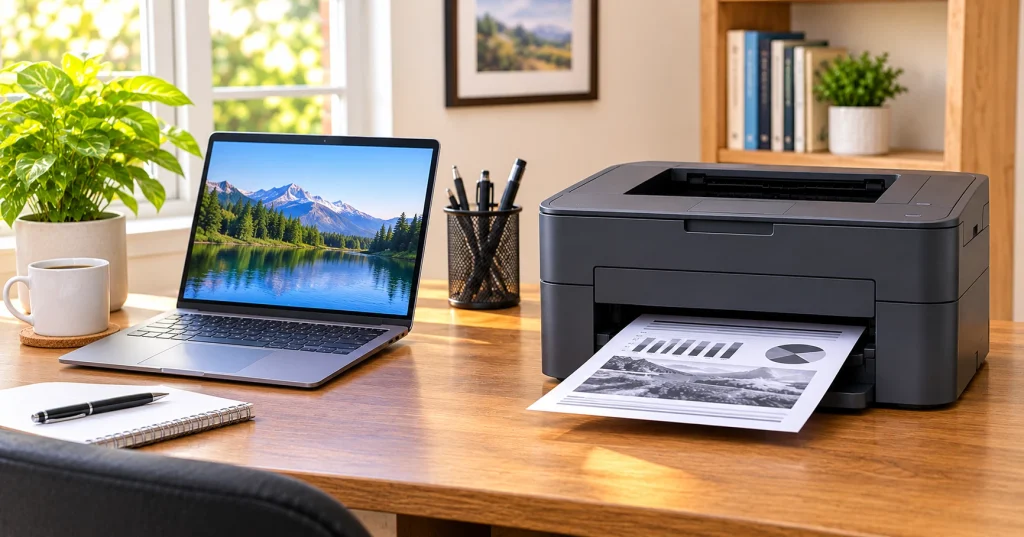
6. Brother HL-L3280CDW: best color laser for documents
A color laser wireless printer makes sense for one kind of home: you print color charts, school projects, or flyers, but you print rarely. The HL-L3280CDW does 27 pages per minute in color and black, has a 2.7-inch touchscreen, and its toner won’t dry out. At about $300 it’s affordable for a color laser. Just don’t buy it for family photos. Reviewers at Digital Trends and RTINGS both found photo prints dull and washed out.
What About HP Wireless Printers for Home Use?
HP makes good hardware, but read the fine print before you buy. HP’s dynamic security feature blocks cartridges that use non-HP chips, and firmware updates can tighten that over time. If you turn on HP+ during setup, the printer needs an HP account, an internet connection, and Original HP ink for its entire life. That’s not a dealbreaker if you like the HP Instant Ink subscription. It just means you can’t switch to cheaper third-party cartridges later.
How to Choose a Wireless Printer for Home Use
Run through these five questions before you buy any wireless printer for home use:
- How often do you print? Weekly or more favors an ink tank. Monthly or less favors a laser.
- Do you need color or photos? If yes, an ink tank is the only budget option that does photos well.
- Do you scan multi-page documents? Get a model with an automatic document feeder, like the MFC-L2820DW.
- How much space do you have? Measure first. Lasers are deeper and heavier.
- What’s the true cost? Add the printer price plus two years of ink or toner. A $60 cartridge inkjet can cost more than a $160 laser by year two.
Once your new wireless printer arrives, setup takes about 10 minutes. If your router gives you trouble, follow our step-by-step guide on how to connect a wireless printer to Wi-Fi.
Best Wireless Printers for Home Use: Our Recommendation
If you want one wireless printer that handles photos, homework, and the occasional return label, grab the Canon MegaTank G3270 while it’s under $160. If you only print black text and hate dealing with clogged ink, the Brother HL-L2460DW is the easiest wireless printer to live with. Shopping for someone else this holiday? A laser is the lower-maintenance gift, which is why it made our list of tech gifts for parents who aren’t tech-savvy.
Next step: count how many pages you printed last month, then pick from our list of the best wireless printers for home use above. Buy during a sale week, and register the printer with the manufacturer so you keep warranty coverage.
Frequently Asked Questions
Is an ink tank or laser printer better for home use?
An ink tank printer is better if you print color or photos at least weekly, because it has the lowest cost per page. A laser printer is better if you mostly print black text or go weeks without printing, because toner never dries out or clogs. Most families who print photos should choose an ink tank.
Do ink tank printers dry out if not used?
They can. Ink in the print head can dry if the printer sits unused for several weeks, which causes streaks or missing lines. Running a cleaning cycle usually fixes it but uses ink. Printing one color page every week keeps the nozzles clear. If you print rarely, a laser printer avoids this problem completely.
What is the cheapest wireless printer to run at home?
Ink tank printers like the Canon MegaTank G3270 and Epson EcoTank series are the cheapest to run. Consumer Reports measured the G3270’s black text pages at about 0.3 cents each. Budget monochrome lasers using high-yield toner cost around 2 to 3 cents per page. Cartridge inkjets usually cost the most per page.
Can I print from my iPhone to a wireless printer?
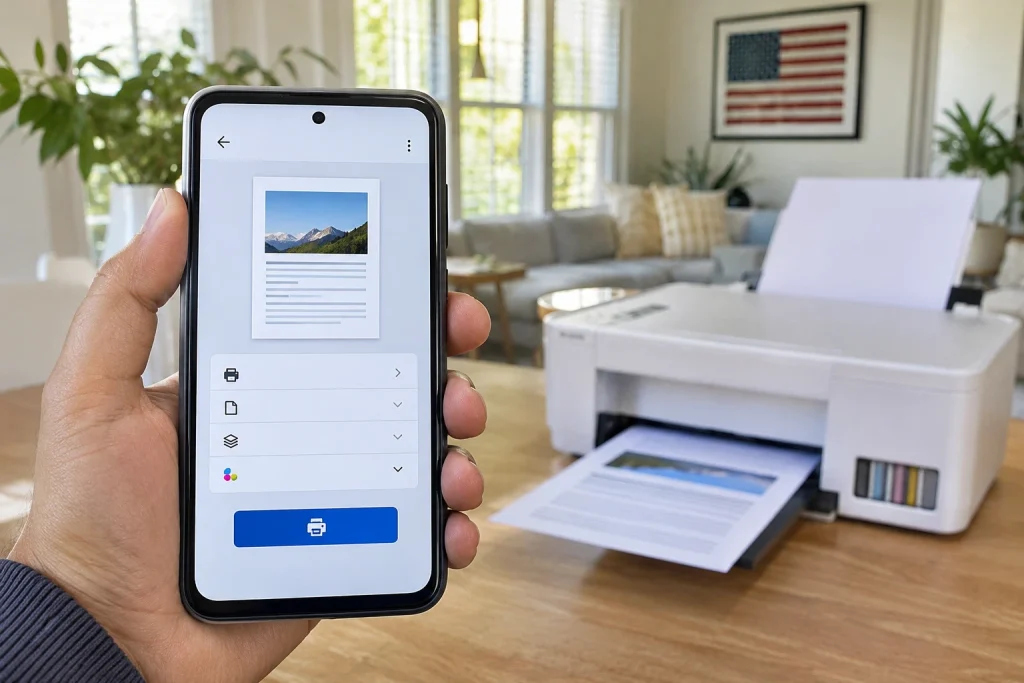
Yes. All six printers in this guide support Apple AirPrint, so you can print from an iPhone or iPad without installing an app. Make sure your phone and printer are on the same Wi-Fi network, tap the Share button, choose Print, and select your printer. Android phones use the built-in Default Print Service.
How long do wireless printers for home use last?
A well-cared-for home laser printer often lasts 5 to 8 years or more, since it has fewer parts that clog. Ink tank printers typically last 3 to 5 years with regular use. Eventually the ink absorber pad fills up and needs service. Printing regularly and using genuine ink helps both types last longer.