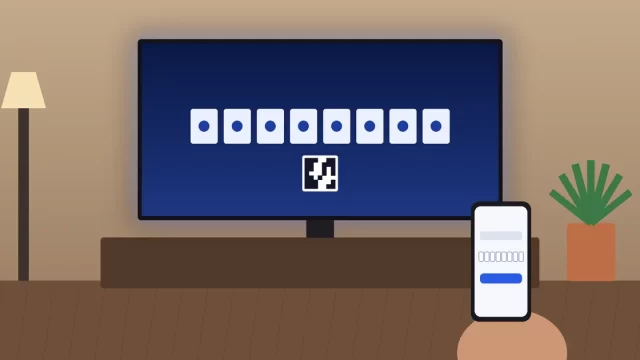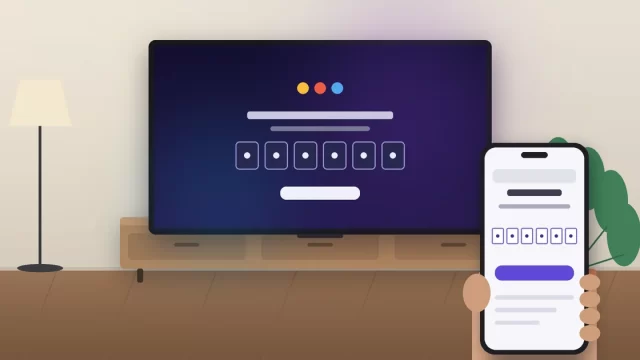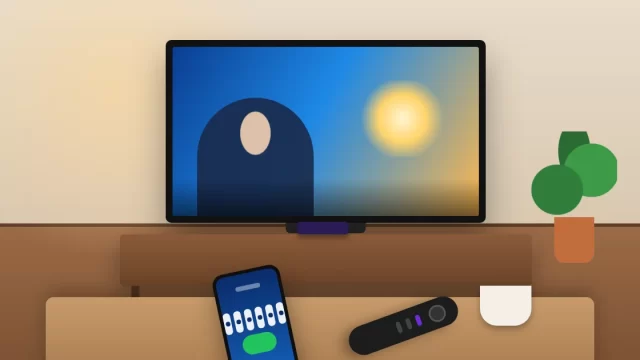
To activate Paramount Plus on your TV, open the Paramount+ app, select Sign In, choose the web option, and a short activation code appears on screen. Type that code at the web address your TV shows (usually paramountplus.com/tv or a device page like paramountplus.com/roku), sign in, and the TV refreshes on its own. Once the app is installed, the whole process takes about two minutes.
Below you’ll find the exact steps for Roku, Samsung, LG, Vizio, Fire TV, Apple TV, Google TV and game consoles, plus fixes for when the code won’t go through. Almost every failed activation comes down to the same handful of mistakes, and all of them are easy to fix.
Key Takeaways
- Pick the “On the Web” sign-in option on your TV. It’s faster than typing a password with a remote.
- Always use the exact URL shown on your TV screen. paramountplus.com/tv works for most devices.
- Activation codes expire after a few minutes, so keep the app open while you enter the code.
- Got Paramount+ through cable or another partner? Choose Sign In With a Partner instead.
- Most “code not working” errors are an expired code, the wrong account, or a lapsed subscription.
What You Need Before You Start
Activation is quick, but only if a few things are already in place. Check these before you pick up the remote:
- An active Paramount+ subscription (or access through a partner like your cable company or Apple TV Channels).
- Your login email and password. If you’ve forgotten the password, reset it on your phone first. It saves a lot of back and forth.
- The Paramount+ app installed on your smart TV or streaming device.
- A phone, tablet or computer with a web browser. It doesn’t need to be on the same Wi-Fi network as your TV.
One tip if you’re brand new: create your account and pick a plan on your phone or laptop before you touch the TV. Typing an email address, password and card number with a remote is painful, and you’ll end up at the same place either way.
Paramount+ Plans and Prices
Paramount+ raised U.S. prices by $1 on January 15, 2026. Here’s where the two plans stand:
| Plan | Monthly | Yearly | Ads |
|---|---|---|---|
| Paramount+ Essential | $8.99 | $89.99 | Yes |
| Paramount+ Premium | $13.99 | $139.99 | No (except live TV and a few titles) |
The yearly plans work out to roughly two months free compared with paying monthly. Prices can change, so confirm the current rate on the Paramount+ account page before you sign up.
How to Activate Paramount Plus on TV With an Activation Code
This method works on nearly every TV and streaming device sold in the U.S. The menu wording varies a little by brand, but the flow is the same.
- Open the Paramount+ app on your TV or streaming device.
- Select Sign In. (Skip Sign Up if you already have an account.)
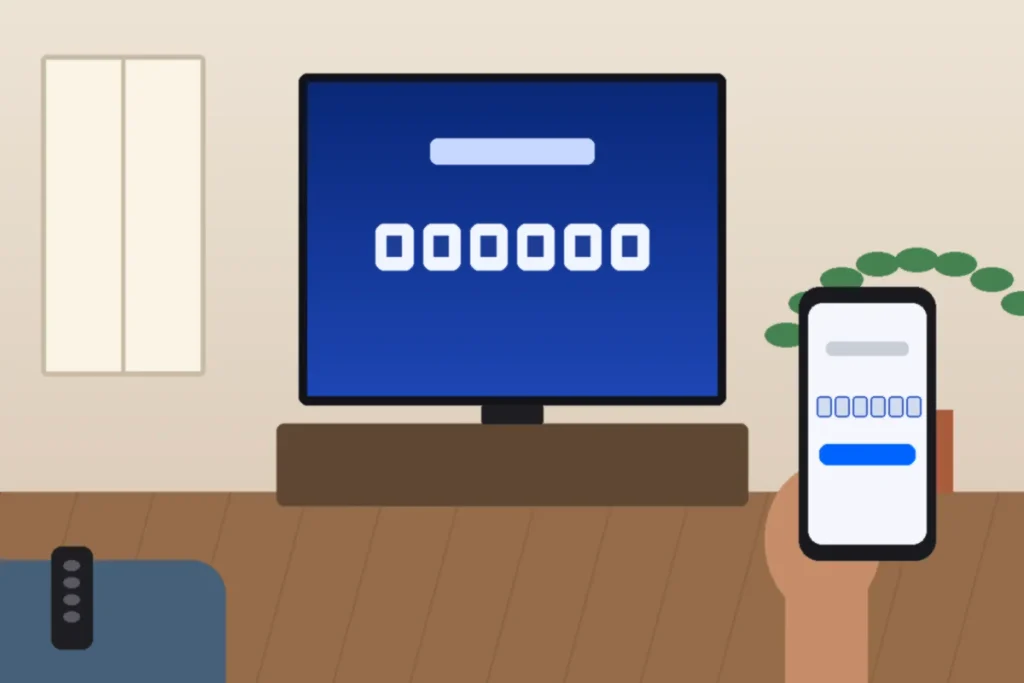
- Choose the web option. On most devices it’s labeled On the Web. The other choice, often On My TV or On This Device, makes you type everything with the remote.
- Leave the activation code on screen. Don’t press Back or let the TV drift into a screensaver.
- Grab your phone or computer and go to the web address shown on the TV, such as paramountplus.com/tv.
- Enter the code exactly as shown and select Activate or Continue.
- Sign in with your Paramount+ email and password if the site asks.
- Wait 10 to 30 seconds. The TV app refreshes automatically and opens your profile picker.
That’s it. You don’t need to restart anything after a successful activation, and the TV stays signed in until you sign out or change your password.
Should You Sign In on the TV Instead?
You can, and it’s the right call if you don’t have a phone handy. Choose On My TV (or similar), then type your email and password with the on-screen keyboard. It works fine. It’s just slower, and long passwords with symbols turn into a five-minute chore. For everyone else, the code method is the better choice.
Paramount Plus Activation URLs by Device
Paramount+ uses a different activation page for each device family. Here are the current addresses for the most popular U.S. devices, plus where to download the app.
| Device | Where to get the app | Activation page |
|---|---|---|
| Roku TV, Roku Stick | Roku Streaming Store | paramountplus.com/roku |
| Samsung Smart TV | Apps in Smart Hub | paramountplus.com/samsungtv |
| LG Smart TV | LG Content Store | paramountplus.com/lg |
| Vizio Smart TV | Built-in apps row | paramountplus.com/vizio |
| Amazon Fire TV, Fire Stick | Amazon Appstore | paramountplus.com/firetv |
| Apple TV | App Store | paramountplus.com/appletv |
| Google TV, Android TV (Sony, TCL, Hisense) | Google Play Store | paramountplus.com/androidtv |
| PlayStation 4 and 5 | PlayStation Store | paramountplus.com/playstation |
| Xbox One and Series X|S | Microsoft Store | paramountplus.com/xbox |
| Most other devices | Device app store | paramountplus.com/tv |
Rule of thumb: trust the address on your TV screen over any list, this one included. Paramount+ occasionally changes these pages, and the app always shows the current one.
Paramount Plus on Roku
Press Home, go to Streaming Store (some older Rokus still call it Streaming Channels), search “Paramount+,” and select Add channel. Open it, choose Sign In, and use paramountplus.com/roku with the code. If you subscribed through Roku billing instead of directly with Paramount+, sign in with the email tied to your Roku account.
Paramount Plus on Samsung TV
Press Home, open Apps, search for Paramount+, and install it. Then follow the code steps using paramountplus.com/samsungtv. Very old Samsung sets may not list the app at all. If yours doesn’t, a streaming stick that costs around $30 is a cheaper fix than a new TV.
Paramount Plus on Fire TV and Apple TV
On a Fire TV or Fire Stick, the fastest route is the voice remote: hold the Alexa button and say “Paramount Plus” to jump to the download page. On Apple TV, grab the app from the App Store and use paramountplus.com/appletv. If you pay for Paramount+ through Apple TV Channels, see the partner section below, because that works differently.
How to Sign In With a TV Provider or Partner
If Paramount+ comes bundled with your cable, satellite or Apple TV Channels subscription, you don’t use a Paramount+ password at all. You sign in with your provider’s credentials instead.
- Open Paramount+ and select Sign In With a Partner (on some devices it’s Connect Provider; Roku calls it Link with Partner Account).
- Pick your provider from the list, such as Xfinity, Spectrum, DIRECTV or Apple TV.
- Go to paramountplus.com/activate (or the address on screen) and enter the code.
- Sign in with your provider username and password, not a Paramount+ login.
Not every TV package includes Paramount+, and the ones that do can change at renewal time. If the provider sign-in fails, call your provider and ask whether your current plan includes it before spending an hour troubleshooting the app.
Bundles through retailers or wireless carriers usually work the other way around. You claim the offer on the partner’s website first, which creates a normal Paramount+ account, and then you sign in on the TV with that Paramount+ email using the regular code method.
Paramount Plus Activation Code Not Working? Try These Fixes
Work through these in order. The first three solve the large majority of problems.
- The code expired. Codes only last a few minutes. Back out of the sign-in screen, choose On the Web again, and use the fresh code right away.
- You’re on the wrong page. Use the address shown on the TV. A U.S. account won’t activate on the Canadian page (paramountplus.com/ca/activate), and vice versa.
- Your browser is signed in to a different account. This happens a lot in households with two subscriptions. Open a private or incognito window and sign in fresh.
- Your subscription lapsed. A declined card or an ended free trial blocks activation. Check your status at paramountplus.com/account.
- A VPN is running. Paramount+ checks your location. Turn off any VPN on your phone, computer or router, then try again.
- The app is out of date. Update it through your device’s app store, or update the TV’s system software.
- The TV needs a real restart. Unplug it (or the streaming stick) for 60 seconds. The remote’s power button often just puts the TV to sleep.
- Your internet is too slow or dropping. The FCC’s broadband speed guide is a good reference for how much speed HD and 4K streaming need.
Still stuck? Delete and reinstall the app, which clears any corrupted data. If that fails too, the Paramount+ Help Center has live chat and device-specific troubleshooting.
How to Sign Out of Paramount+ on a TV
Selling a TV, leaving a rental, or moving out? Open Paramount+, go to Settings (usually the gear icon or your profile menu), and select Sign Out. If you can’t get to the TV anymore, change your password from your account page on the web. That’s the cleanest way to cut off a device you no longer control.
If you’re setting up other streaming apps at the same time, our guide on how to activate Peacock on Roku, Firestick and Smart TV follows the same code-based process. Families with kids should also look at how to set up parental controls on Xbox, since Paramount+ runs on consoles too.
Frequently Asked Questions
What is a Paramount Plus activation code?
A Paramount Plus activation code is a short, temporary code that appears on your TV when you choose to sign in on the web. You enter it at paramountplus.com/tv or your device’s activation page to link the TV to your account. It saves you from typing your password with a remote and expires after a few minutes.
Where do I enter my Paramount Plus TV code?
Enter it at the web address shown on your TV screen, using any phone, tablet or computer. For most devices that’s paramountplus.com/tv, while some use device pages such as paramountplus.com/roku or paramountplus.com/samsungtv. Cable and partner sign-ins usually use paramountplus.com/activate. Sign in to your account if the page asks.
Why is my Paramount Plus activation code not working?
The most common reasons are an expired code, entering it on the wrong website, or a browser signed in to a different Paramount+ account. A lapsed subscription or an active VPN can also block activation. Generate a fresh code, use the exact URL on your TV, and check your account status at paramountplus.com/account.
Can I activate Paramount Plus on my TV without a phone?
Yes. In the Paramount+ app, select Sign In and choose the option to sign in on your TV (often labeled On My TV or On This Device). Then type your email and password with the remote’s on-screen keyboard. It takes longer than the code method but works on every supported device.
Is Paramount Plus free with my cable provider?
Sometimes. Some cable and satellite packages include Paramount+ at no extra cost, but it depends on your provider and plan, and offers change at renewal. Check your plan details or call your provider. If it’s included, choose Sign In With a Partner in the app and log in with your provider credentials.
Ready to Start Watching?
Grab your remote and your phone, open the Paramount+ app, choose On the Web, and enter the code at the address on your screen. If it doesn’t go through on the first try, request a fresh code and check that your browser is signed in to the right account. Those two fixes handle most problems in under a minute.