To activate McAfee, go to mcafee.com/activate, enter the 25-character product key from your retail card or confirmation email, sign in to (or create) your McAfee account, and download the app. That’s the whole job, and it usually takes less than 10 minutes. The parts that trip people up are finding the key, dodging fake activation sites, and fixing an “already redeemed” error, so this guide covers all three.
Key Takeaways
- You activate McAfee for free at mcafee.com/activate. Nobody should charge you to do it.
- A McAfee product key and an activation code are the same thing: a 25-character code on your retail card or eCard.
- Each key can be redeemed only once. After that, you install McAfee on more devices from My Account.
- Most activation errors come from typos, the wrong email account, or a key that was already used.
- Never call a phone number from a “McAfee activate” search result. Many of them are scam sites.
What You Need Before You Activate McAfee
Get these ready first and you can activate McAfee in one sitting:
- Your product key. It’s printed on the retail card or sent in your order email.
- An email address you’ll keep. Your subscription lives in the McAfee account tied to this email, so skip work or school addresses you might lose.
- The device you want to protect. Activate McAfee on the computer or phone that needs coverage. You can check compatibility on McAfee’s System Requirements page.
- No other antivirus suites running. Two full security suites on one Windows PC can conflict. Microsoft Defender is fine, since Windows turns it off automatically once another antivirus is installed.
McAfee Product Key vs. Activation Code: Is There a Difference?
No. McAfee uses both terms for the same code, and its own activation page switches between “product key” and “activation code” on the same screen. It’s a 25-character mix of letters and numbers, usually shown in five groups of five.
Retailers add to the confusion by calling it a “license key” or “redemption code.” Whatever the label, if you bought a McAfee card or eCard anywhere other than McAfee’s own website, this is the code you’ll enter to activate McAfee.
Where to Find Your McAfee Product Key
Where your key lives depends on how you bought McAfee. Here’s the quick version:
| How you bought it | Where to find the key |
|---|---|
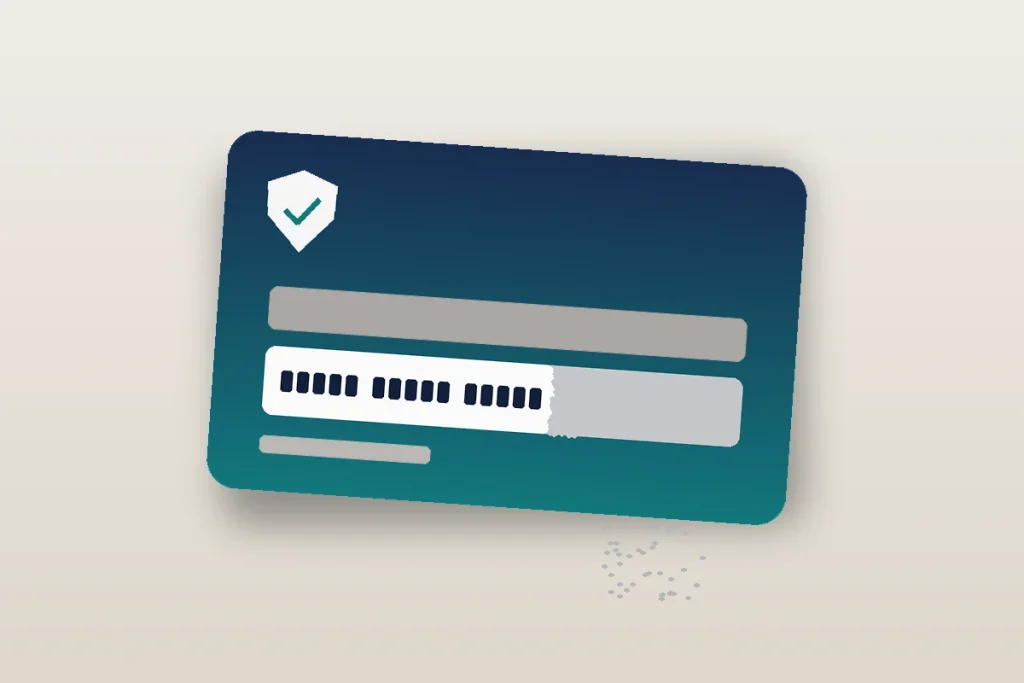
| Physical retail card (Walmart, Target, Best Buy, Staples) | On the back of the card, often under a scratch-off strip |
| Digital eCard from a retailer like Amazon or Best Buy | Your order confirmation email, or the digital orders section of your retailer account (Amazon lists it in Your Games and Software Library) |
| Bought directly from McAfee.com | No key needed. The subscription is already linked to your McAfee account |
| Came with a new laptop | Usually no key. It’s a trial you activate by signing in inside the preinstalled app |
A small tip from experience: scratch the card’s strip gently with a fingernail, not a coin. Pressing hard can rub off the characters underneath, and a half-erased key is a real headache to recover.
How to Activate McAfee With a Product Key, Step by Step
Here’s exactly how to activate McAfee on a Windows PC or Mac using a product key or activation code.
Step 1: Open the official activation page
Type mcafee.com/activate straight into your browser’s address bar. Don’t click a sponsored search result or a link from a random blog. The real page sits on the mcafee.com domain, and the address bar should show it.
Step 2: Enter your McAfee activation code
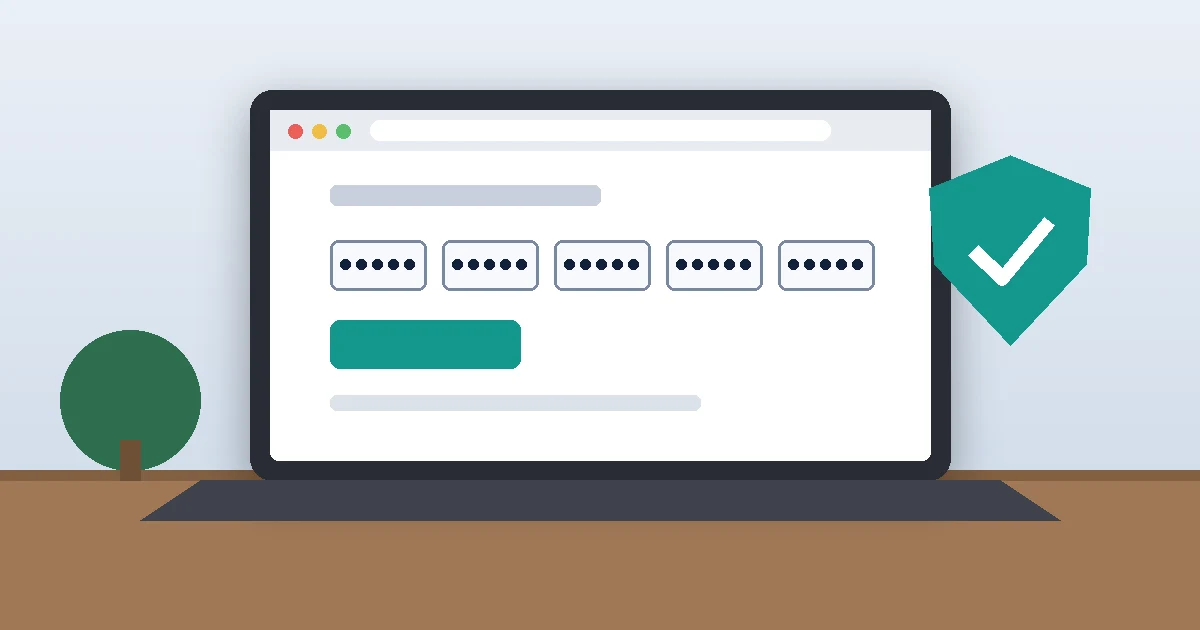
Type or paste the 25-character key into the box. If you’re copying it from an email, make sure you didn’t grab an extra space at the end. Look closely at lookalike characters (zero and the letter O, the number 1 and the letter I), since typos cause most “invalid key” errors.
Step 3: Choose your country and language if asked
Pick United States and English. This keeps your account on the US site with US pricing and support.
Step 4: Sign in or create your McAfee account
If you’ve used McAfee before, sign in with that same email so the new subscription lands on your existing account. New users create an account with an email and password. Write down which email you used. Months later, “which email did I activate McAfee with?” is a question that comes up a lot.
Step 5: Download and install the app
Once the key is redeemed, McAfee offers the download for the device you’re on. On Windows, run the installer and click Yes on the User Account Control prompt. On a Mac, open the installer and expect macOS to ask you to allow McAfee’s components in System Settings > Privacy & Security. Approve them, or real-time scanning won’t work.
Step 6: Confirm your subscription is active
Open the McAfee app and check that it says you’re protected. You can also sign in to My Account on mcafee.com, where your product and its expiration date are listed. If both look right, McAfee is active and you’re done.
How to Activate McAfee on a Phone or a Second Computer
To activate McAfee on a second device, don’t redeem the same key again. McAfee keys work once, and after that your subscription is attached to your account. Many McAfee plans cover several devices, so check how many yours includes in My Account.
- Another computer: Sign in to My Account on that computer and download McAfee from there.
- iPhone or Android: Install the McAfee Security app from the App Store or Google Play, then sign in with the same email you used to activate McAfee.
- A family member’s device: My Account lets you send a download link by email, so they don’t need your password.
McAfee Activation Code Not Working? Try These Fixes
When you can’t activate McAfee, the cause usually falls into a handful of buckets. Work through them in this order.
“This key has already been redeemed”
McAfee says plainly that a product key can be redeemed only once. If you already used it, sign in to My Account and download from there. If you never used it, the key may have been sold secondhand or sold twice. Contact the retailer for a replacement, and keep your receipt handy.
“Invalid product key”
Retype the key slowly and check the lookalike characters. Also confirm the card is for a McAfee consumer product (not another brand’s card hanging on the same peg). A key bought for another country may not work on the US site, so stick to US retailers.
The subscription doesn’t show up
You probably activated it under a different email. Sign out, then sign in with any other address you might have used. Still missing? Reach McAfee support through the Contact Us link on mcafee.com, not a number from a search result.
Installation freezes or fails
Restart the computer and try again. If an older McAfee install or another antivirus is in the way, uninstall it first. McAfee offers a free cleanup utility called the McAfee Consumer Product Removal tool (MCPR) for leftover files on Windows.
Watch Out for Fake McAfee Activation Sites and Phone Numbers
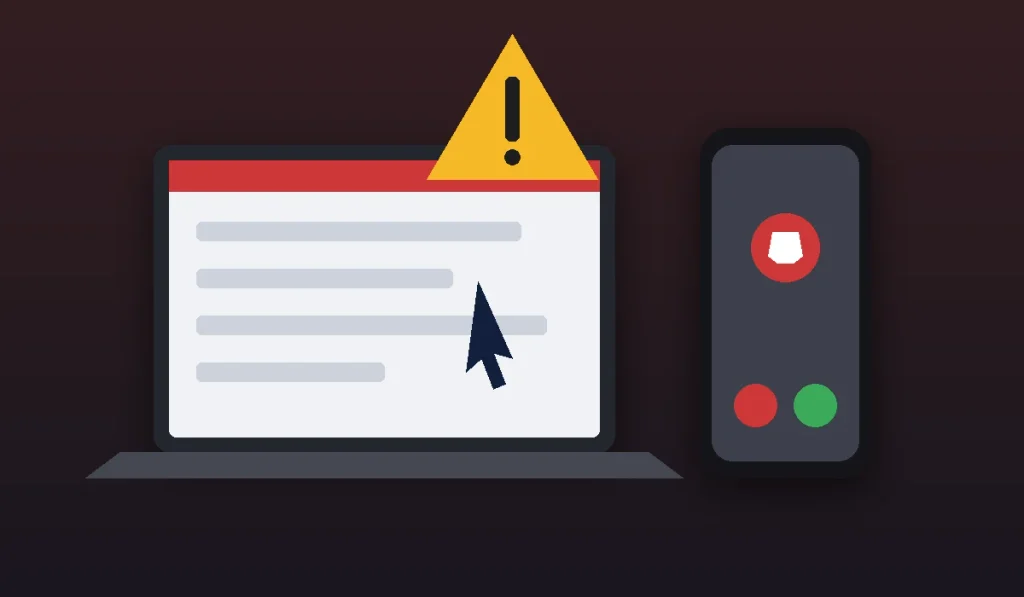
This is the part most guides skip, and it matters more than any step above. Search “McAfee activate” and you’ll find dozens of pages hosted on Google Sites, Medium, and documentation platforms, many packed with toll-free numbers. They aren’t McAfee. Their goal is to get you on the phone, take remote control of your computer, and sell you “support” you never needed.
The Federal Trade Commission’s guide to tech support scams lays out the warning signs. Real tech companies won’t call, email, or text you out of the blue about a problem with your computer. Anyone who asks you to pay with gift cards, a wire transfer, or crypto is a scammer, every time.
- It costs nothing to activate McAfee. Nobody needs to remote into your PC to redeem a key.
- Only use links on mcafee.com for downloads and support.
- If you already gave a stranger access or payment, call your bank or card issuer, change your passwords, and report it at ReportFraud.ftc.gov.
Is a McAfee Retail Card Worth Buying?
It can be. Retail and eCard versions of McAfee are often discounted below the renewal price McAfee charges on its own site, especially around Black Friday and back-to-school sales. If you shop the deals, buying a card and using it to activate McAfee each year is a simple way to keep your coverage going for less.
That said, don’t buy one out of fear. Windows includes Microsoft Defender at no cost, and it handles basic malware protection well. Paid McAfee plans make more sense when you want the extras, like identity monitoring, a VPN, or protection across a whole family’s phones and laptops. After you redeem any new card, check My Account to confirm the new expiration date.
Frequently Asked Questions
How do I activate McAfee with a product key?
Go to mcafee.com/activate and enter the 25-character product key from your retail card or order email. Sign in to your McAfee account or create one, then download and install the app on the device you want to protect. The whole process is free and usually takes under 10 minutes.
Where do I enter my McAfee activation code?
You enter your McAfee activation code on McAfee’s official redemption page at mcafee.com/activate. Type the address directly into your browser instead of clicking search ads. After the code is accepted, you’ll sign in to your McAfee account, and the subscription is linked to that email so you can install it on your devices.
Can I use the same McAfee product key twice?
No. A McAfee product key can be redeemed only once. After that, the subscription belongs to your McAfee account, and you install it on extra devices by signing in to My Account and downloading the app. If your plan covers multiple devices, they all share that one redeemed key.
Is mcafee.com/activate legit?
Yes, mcafee.com/activate is McAfee’s official activation page, and it’s free to use. Be careful with lookalike sites and pages that list phone numbers for “activation help.” McAfee doesn’t charge for activation and won’t cold-call you. Check that your browser’s address bar shows the mcafee.com domain before entering anything.
Do I need to uninstall my old antivirus before installing McAfee?
Uninstall any other third-party antivirus suite first, since two suites can slow your PC or block each other. You don’t need to remove Microsoft Defender on Windows. It switches itself off automatically when McAfee is installed and turns back on if you ever remove McAfee later.
How do I check if my McAfee subscription is active?
Open the app you used to activate McAfee and look at the protection status on the home screen. For the details, sign in to My Account on mcafee.com, where your product, the number of devices covered, and the subscription’s expiration date are listed. If nothing appears, try signing in with a different email.
Your Next Step
Grab your card or order email, open mcafee.com/activate in a fresh browser tab, and redeem your key now while it’s in front of you. Then note which email you used and install McAfee on every device your plan covers. Once you activate McAfee, finish the job by turning on two-step sign-in for your accounts with our guide on how to set up Microsoft Authenticator, and if your computer still drags afterward, see how to speed up a slow Mac.