Phantom Wallet: Your Ultimate Guide to the Solana Ecosystem
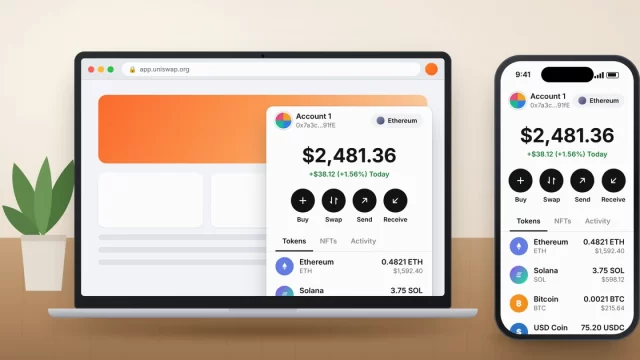
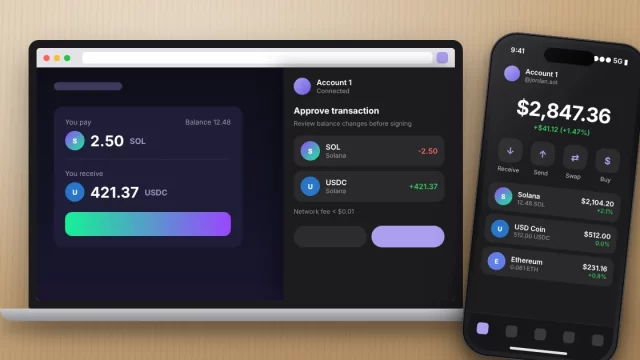
Phantom wallet is a free, self-custodial crypto wallet built first for Solana that now also handles Ethereum, Bitcoin, Base, Polygon, BNB Chain, and a few newer…
How to set up, fix and get more from your phone, computer and apps.
31 guides
Phantom wallet is a free, self-custodial crypto wallet built first for Solana that now also handles Ethereum, Bitcoin, Base, Polygon, BNB Chain, and a few newer…
A MetaMask wallet takes about five minutes to set up on Chrome, Firefox, Android or iPhone, as long as you download it from the official source…
The quickest ij.start.canon setup works like this: type ij.start.canon into your browser’s address bar, click Set Up, enter your printer model, then download and run the…
When your laptop turns on but screen is black, the computer is usually fine and the picture just isn’t reaching the display. Start by pressing the…
When Windows 11 says “DNS server not responding,” your PC is online but can’t translate website names like google.com into IP addresses. In most homes, you…
When Windows 11 shows Wi-Fi connected but no internet, your laptop is talking to the router just fine, but traffic isn’t getting past the router to…
If you’re dealing with Chrome not opening on Windows 11, the most common cause is a stuck chrome.exe process running in the background. Open Task Manager,…
To activate McAfee, go to mcafee.com/activate, enter the 25-character product key from your retail card or confirmation email, sign in to (or create) your McAfee account,…
The fastest way to install Python on Windows 11 in 2026 is the official Python install manager. Get it free from the Microsoft Store (or with…
To download Microsoft Office 365, sign in at microsoft365.com with the Microsoft account tied to your subscription, click Install apps, and run the installer that lands…
The fastest way to install Node.js on Windows 11 is to download the LTS installer from nodejs.org, run it with the default settings, and then type…
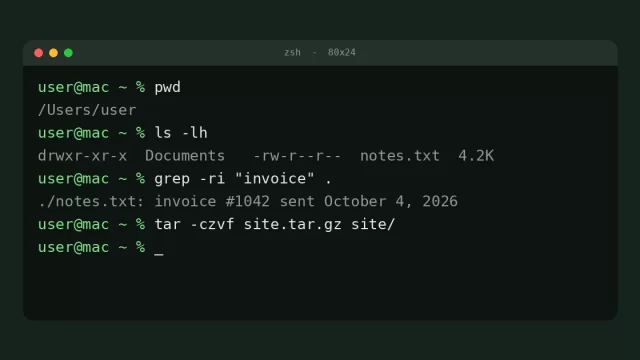
This terminal commands cheat sheet covers the commands people use every day on a Mac or Linux computer: moving between folders with cd, listing files with…